
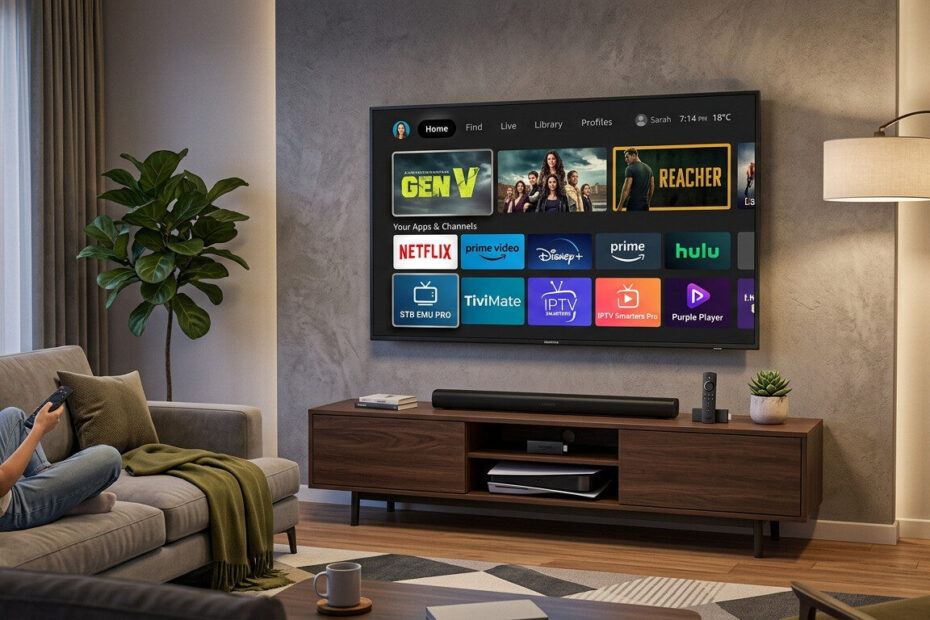
If you’ve just bought a Firestick and want to watch IPTV, you might be wondering where to start.
The good news is that setting up IPTV on Firestick is simple — and you don’t need advanced technical knowledge.
In this step-by-step guide, you’ll learn how to install IPTV apps, add your playlist, and start streaming live TV on your Firestick in minutes.
🔧 What You Need Before You Start
Before setting up IPTV on Firestick, make sure you have:
- A Firestick device (preferably Firestick 4K or 4K Max)
- A stable internet connection
- An IPTV subscription or M3U playlist
- Login details (Xtream Codes or M3U URL)
📥 Step 1: Enable Apps from Unknown Sources
Some IPTV apps are not available in the Amazon App Store.
To install them:
- Go to Settings
- Select My Fire TV
- Click Developer Options
- Enable Apps from Unknown Sources
This allows you to install third-party IPTV apps.
📲 Step 2: Install Downloader App
You’ll need Downloader to install IPTV apps.
- Open Amazon App Store
- Search for Downloader
- Install the app
- Open it
📺 Step 3: Install an IPTV Player
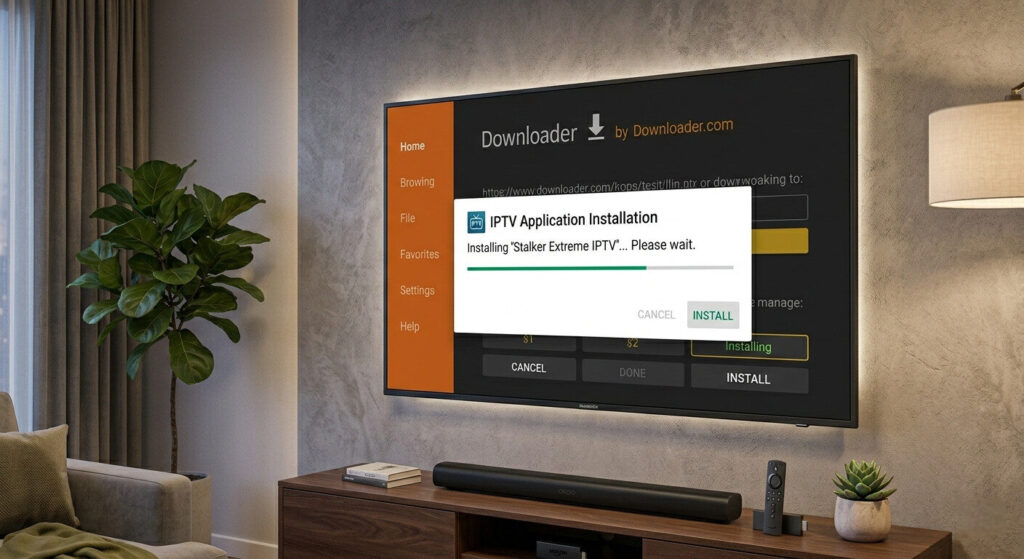
Using Downloader:
- Enter the URL of your IPTV app (e.g., IPTV Smarters or TiviMate APK)
- Download the file
- Install the app
- Open it
Recommended IPTV players:
- TiviMate
- IPTV Smarters
- Perfect Player
👉 You can check our full guide on the best IPTV players to choose the right one.
🔑 Step 4: Add Your IPTV Playlist
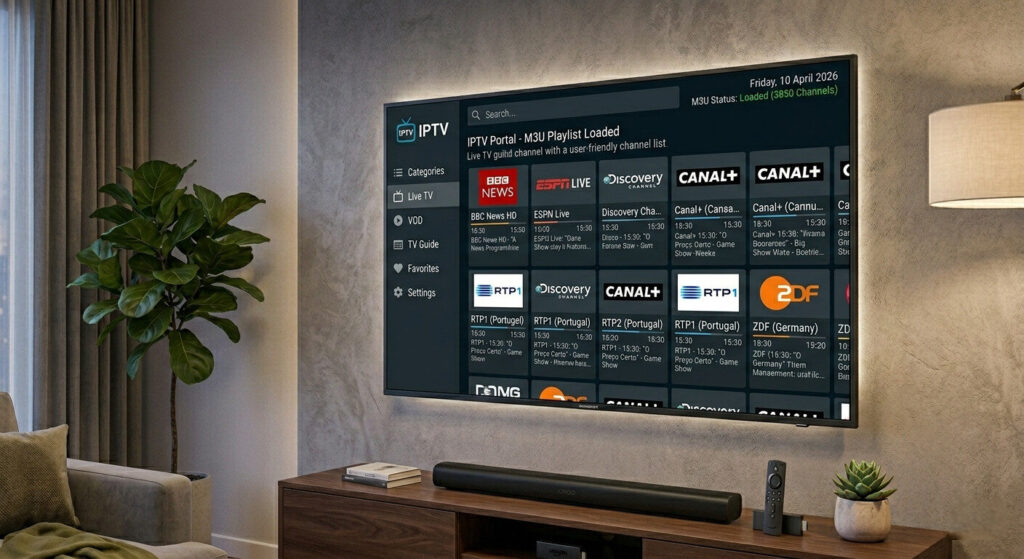
Once the app is installed:
Option 1: Xtream Codes Login
- Enter username, password, and server URL
Option 2: M3U Playlist
- Paste your M3U link
- Load channels
Your IPTV channels should now appear.
⚙️ Step 5: Optimize IPTV Settings
For smooth streaming:
- Enable hardware decoding
- Adjust buffer size
- Use MPEG-TS format if available
These settings help reduce buffering and improve playback.
These settings can reduce buffering, but if your IPTV still lags, check our guide on IPTV keeps buffering to fix streaming issues.
🌐 Step 6: Improve Connection Stability
To avoid interruptions:
- Use 5GHz Wi-Fi or Ethernet
- Restart your router
- Keep Firestick updated
Stable internet is essential for IPTV performance.
For better privacy and stability, you can use a VPN. See our list of the best VPN for IPTV to find a reliable option.
🔐 Optional: Use a VPN
A VPN can:
- Protect your privacy
- Prevent ISP throttling
- Improve streaming stability
Make sure to use a fast VPN optimized for streaming.
🛠️ Troubleshooting Tips
If IPTV doesn’t work:
✔ Restart Firestick
✔ Clear app cache
✔ Check playlist URL
✔ Try another IPTV player
✔ Update app
Most issues are easy to fix.
If your app still doesn’t open, you may want to read our guide on IPTV not working on Firestick for more detailed fixes.
🎯 Final Thoughts
Setting up IPTV on Firestick is quick and easy once you know the steps.
With the right IPTV app, stable internet, and correct settings, you can enjoy smooth live TV streaming in minutes.
Firestick remains one of the best devices for IPTV due to its simplicity and compatibility.