
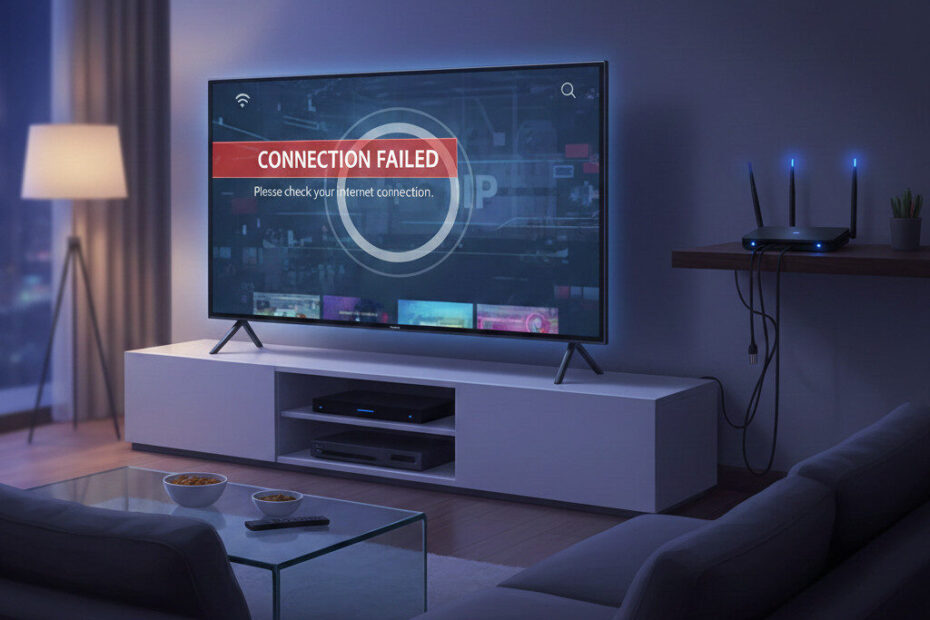
If your IPTV app suddenly stopped working, live TV channels disappeared, or your M3U playlist no longer loads — your IPTV may be blocked by your ISP.
Many users notice that IPTV works perfectly on mobile data but fails on home Wi-Fi. Others find that certain channels buffer endlessly or refuse to load altogether.
This usually means one thing:
👉 Your ISP is blocking IPTV traffic.
In this guide, you’ll learn why IPTV gets blocked by internet providers and how to unblock IPTV safely to restore smooth streaming.
❓ Why Is Your IPTV Blocked by ISP?

Internet Service Providers (ISPs) can monitor internet traffic. When they detect IPTV streaming patterns, they may:
- Slow down your connection (throttling)
- Block IPTV server access
- Disable M3U playlist loading
- Interrupt live TV streams
- Prevent certain IPTV apps from connecting
If your IPTV is blocked by ISP, you’ll typically notice:
✔ IPTV works with mobile hotspot
✔ IPTV fails on home internet
✔ Playlist loads but channels don’t play
✔ Live TV freezes instantly
✔ “Playback error” messages
These are all signs of ISP-level IPTV blocking.
📡 How ISPs Detect IPTV Streaming
ISPs use advanced traffic analysis systems that:
- Identify IPTV streaming protocols
- Monitor server connection patterns
- Detect unusual bandwidth usage
- Flag repeated streaming requests
Once detected, your IPTV connection may be slowed down or blocked entirely.
This is why IPTV sometimes works during the day but stops working at night — when network monitoring is stricter.
⚠️ Signs Your IPTV Is Being Throttled
Your IPTV may be throttled if:
- HD channels buffer constantly
- 4K content never loads
- IPTV works only at certain times
- Streams start and stop randomly
- Channels load slowly on Wi-Fi
Even with fast internet, IPTV blocked by ISP restrictions will not stream properly.
🔓 How to Unblock IPTV and Avoid ISP Detection
The most effective way to unblock IPTV is by encrypting your internet traffic so your ISP cannot monitor your streaming activity.
✅ Use a VPN

A VPN hides your IPTV usage by:
- Encrypting your connection
- Masking streaming activity
- Bypassing ISP restrictions
- Preventing IPTV traffic detection
This makes it impossible for your ISP to block IPTV streams.
⚙️ Steps to Restore IPTV Streaming
If your IPTV is blocked by ISP, follow these steps:
✔ Install a trusted VPN
✔ Connect to a nearby server
✔ Restart your IPTV app
✔ Reload your M3U playlist
✔ Restart your router
In most cases, IPTV channels start working instantly after enabling VPN protection.
📲 Does This Affect All IPTV Apps?
Yes.
ISP blocking affects:
- Smart TV IPTV apps
- Android TV players
- Streaming devices
- Mobile IPTV apps
- Desktop IPTV software
If IPTV works on one network but not another, ISP detection is likely the cause.
🛠️ Quick IPTV Unblock Checklist
If IPTV is blocked by ISP:
✔ Try IPTV using mobile hotspot
✔ Install VPN
✔ Change VPN server
✔ Restart IPTV player
✔ Update IPTV app
✔ Reload playlist
These steps usually restore IPTV streaming in minutes.
🎯 Final Thoughts
When IPTV suddenly stops working, it’s often due to ISP restrictions rather than your IPTV service.
If your IPTV is blocked by ISP detection systems, encrypting your connection can restore access to live TV channels and prevent further interruptions.
Taking simple steps to unblock IPTV can ensure smooth and uninterrupted streaming across all your devices.