
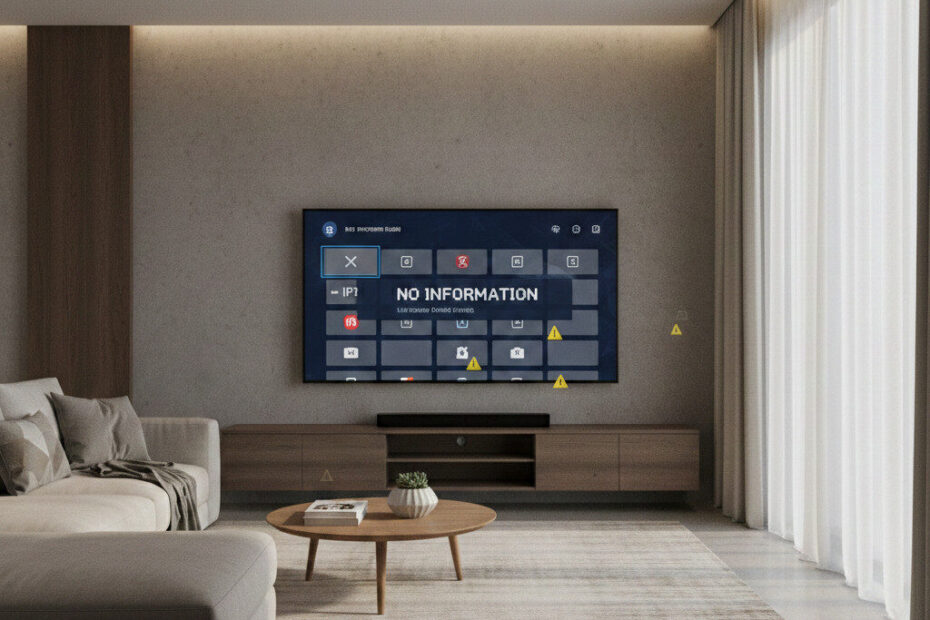
If your IPTV suddenly lost channels, categories vanished, or the TV guide now shows “No information,” you are not alone.
This is currently one of the most reported IPTV issues of 2026, affecting Firestick users, Android TV boxes, and Smart TVs after recent system and app updates.
The good news:
👉 In most cases, your IPTV service is still working.
👉 The problem is almost always local: cache, playlist sync, or EPG indexing.
This guide explains what’s really happening — and shows you the exact fixes that are working right now.
🚨 Why IPTV Channels Are Disappearing in 2026

Most missing-channel cases this year are caused by:
- App database corruption after updates
- Providers reorganizing channel categories
- Outdated playlist cache
- EPG URL changes
- DNS routing failures
- Device memory limits
When this happens, your IPTV app loads old channel indexes, not the real server list.
Result:
✔ Some channels vanish
✔ Categories are empty
✔ Search stops working
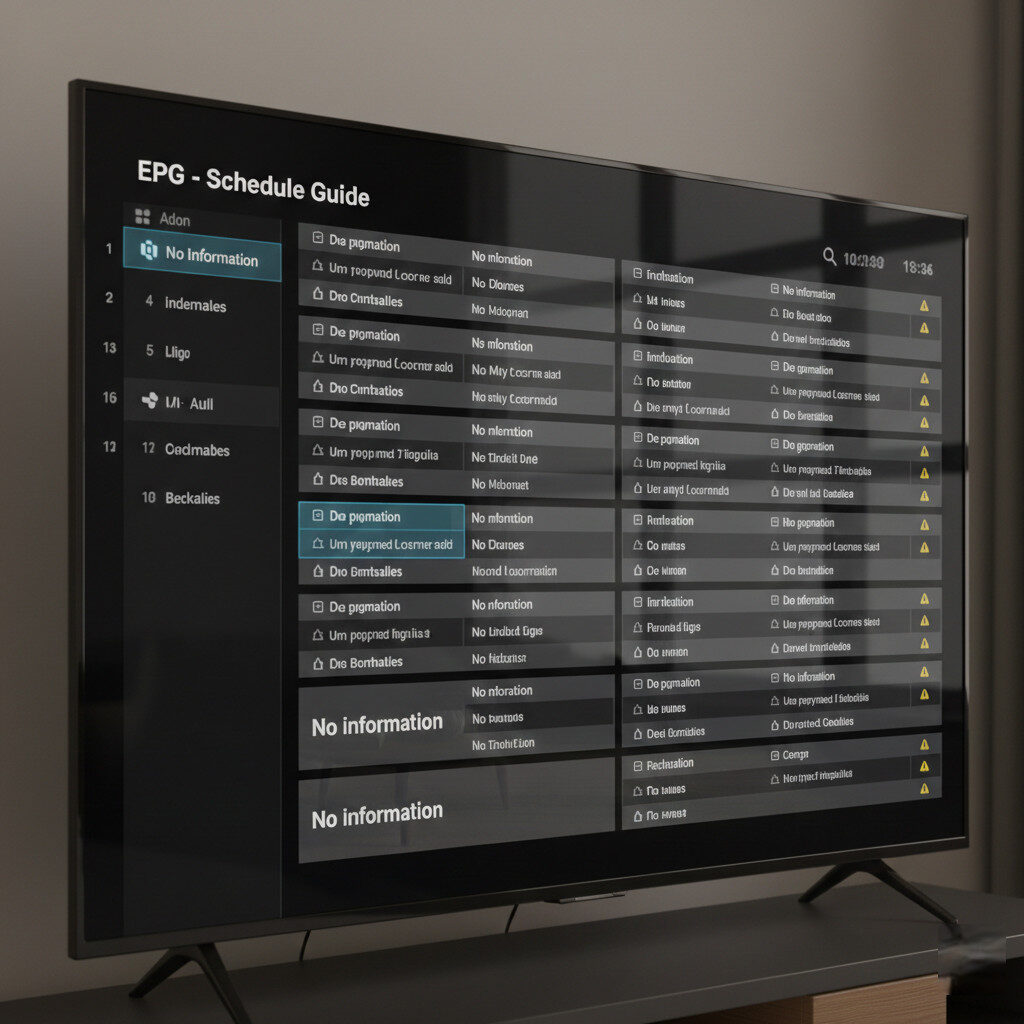
✔ EPG shows “No information”
📺 Why IPTV EPG Is Not Updating Anymore
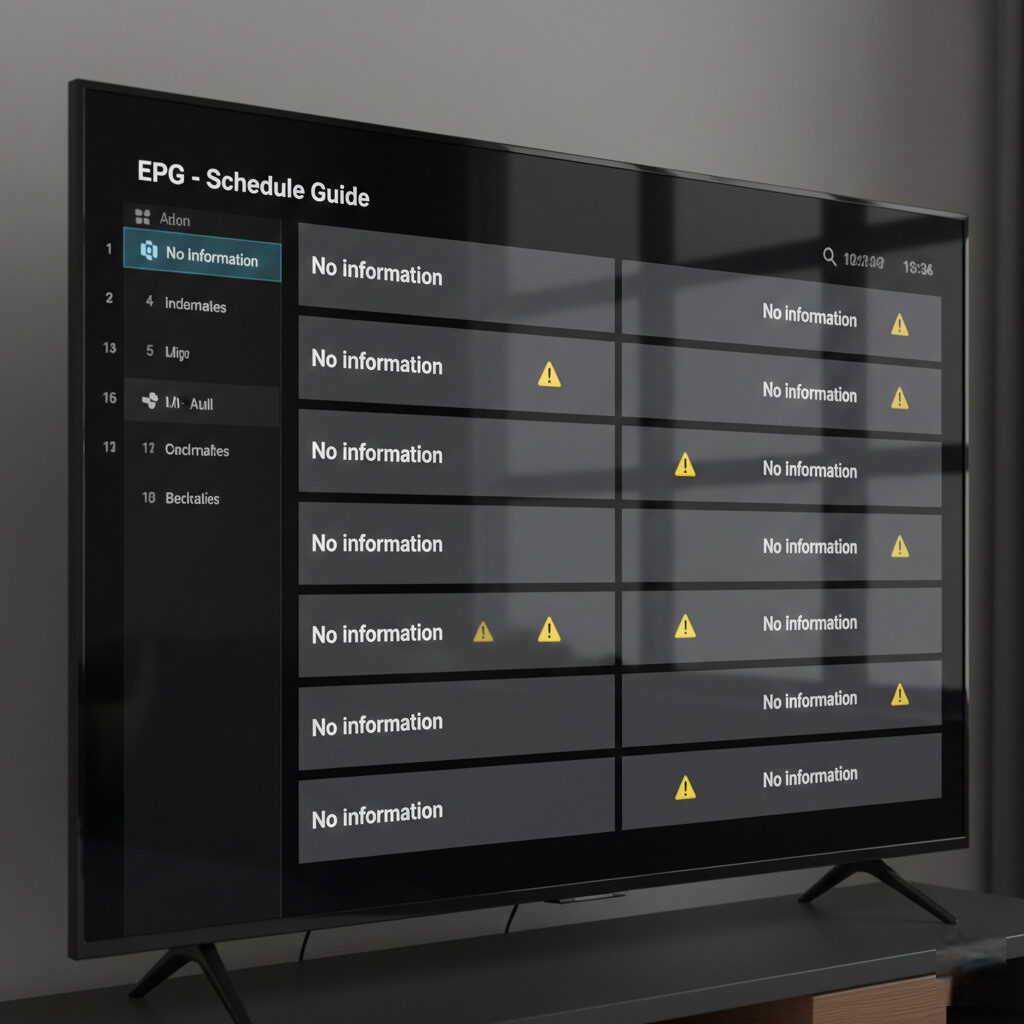
EPG systems changed significantly this year. Many IPTV services now:
- Split EPG sources
- Use compressed guide files
- Require new authentication headers
- Refresh schedules multiple times per day
If your app keeps pulling the old guide file, it simply fails silently.
That’s why users see:
- Blank program guides
- Wrong show times
- Stuck “Loading EPG” messages
✅ The Fixes That Actually Work (Updated 2026 Method)
Follow these in order.
Stop as soon as your channels return.
🔄 Step 1: Hard Playlist Reset (Not a Refresh)
Refreshing is not enough anymore.
You must:
- Open your IPTV app
- Delete the playlist completely
- Close the app
- Restart your device
- Re-add the playlist or Xtream login
This rebuilds the internal channel database.
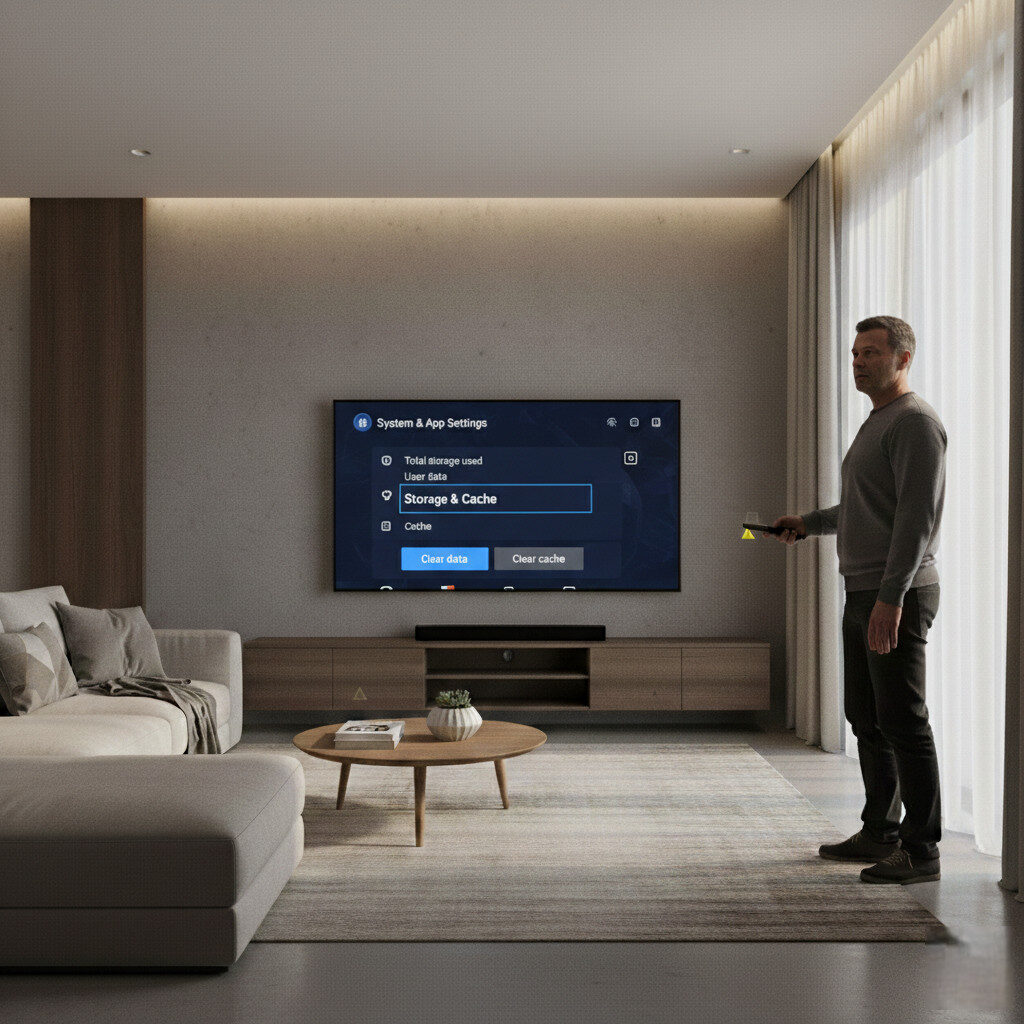
🧹 Step 2: Clear Cache (Critical After Updates)
On Firestick / Android TV:
Settings → Applications → Your IPTV app → Clear cache
Do not clear data unless needed.
This removes broken indexes that hide channels.
📅 Step 3: Force a Full EPG Rebuild
Inside your IPTV player:
- Clear EPG
- Set update to “on app start”
- Manually refresh
- Restart the app
Many IPTV apps now store corrupted guide files permanently unless cleared.
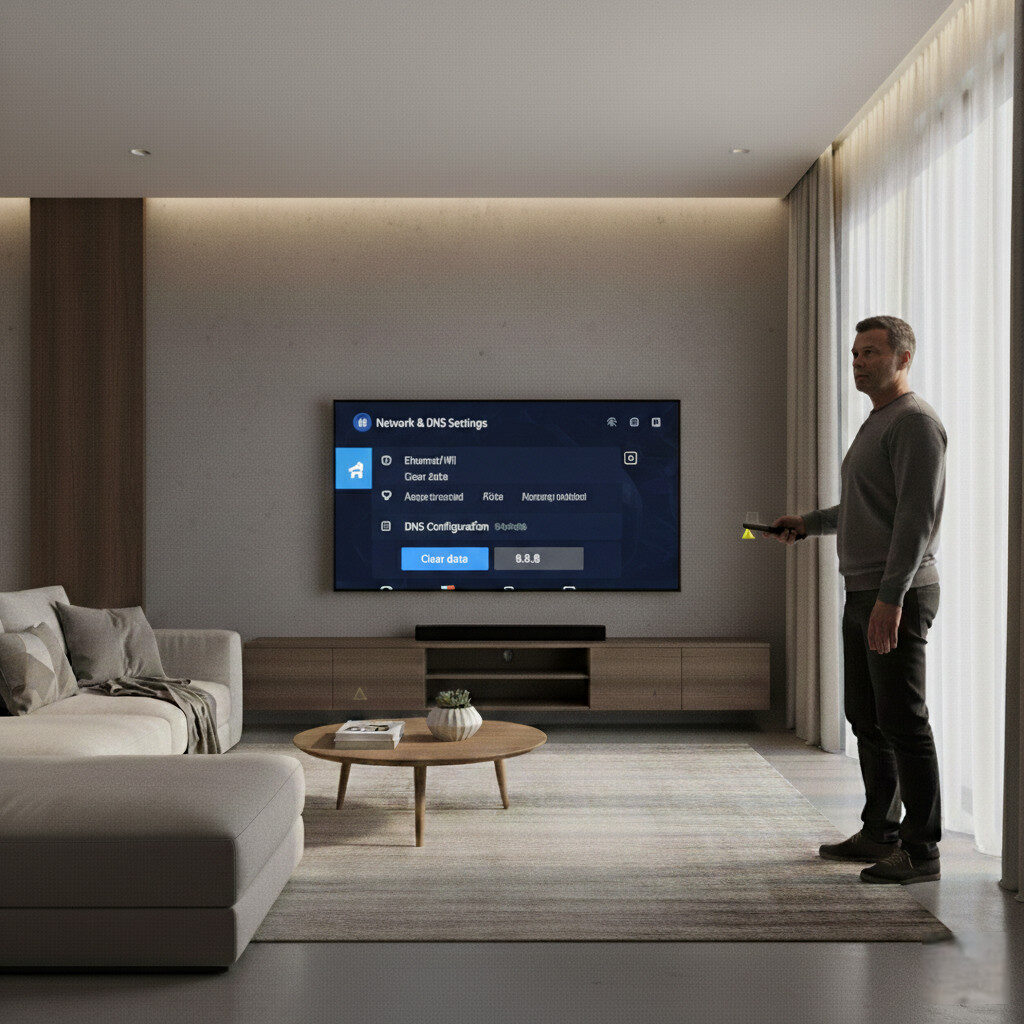
🌍 Step 4: Change DNS (Fixes Invisible Playlists)
Use one of these:
- 1.1.1.1
- 8.8.8.8
- 9.9.9.9
Then reboot your device and reload the playlist.
This resolves silent provider routing failures.
📲 Step 5: Test on Another App or Device
If your playlist works elsewhere:
✔ Your IPTV service is fine
❌ Your original app is broken
This is very common after Firestick and Smart TV updates.
⚠️ When Missing Channels Actually Mean Service Failure
Your provider may really be down if:
- Website is offline
- Logins fail everywhere
- Streams don’t load on any app
- Support and billing portals are gone
If only some channels disappeared, it’s almost never a shutdown.
🧠 The Biggest Mistake Users Are Making
People immediately:
- Buy new subscriptions
- Reset routers
- Cancel working services
- Factory reset devices
In 2026, most IPTV “outages” are local software failures, not provider problems.
🏁 Final Verdict
If your IPTV channels disappeared or your EPG stopped updating, don’t panic.
Most cases are fixed by:
✔ Hard playlist reload
✔ Cache clearing
✔ EPG rebuild
✔ DNS change
Five minutes of proper troubleshooting saves weeks of frustration.