
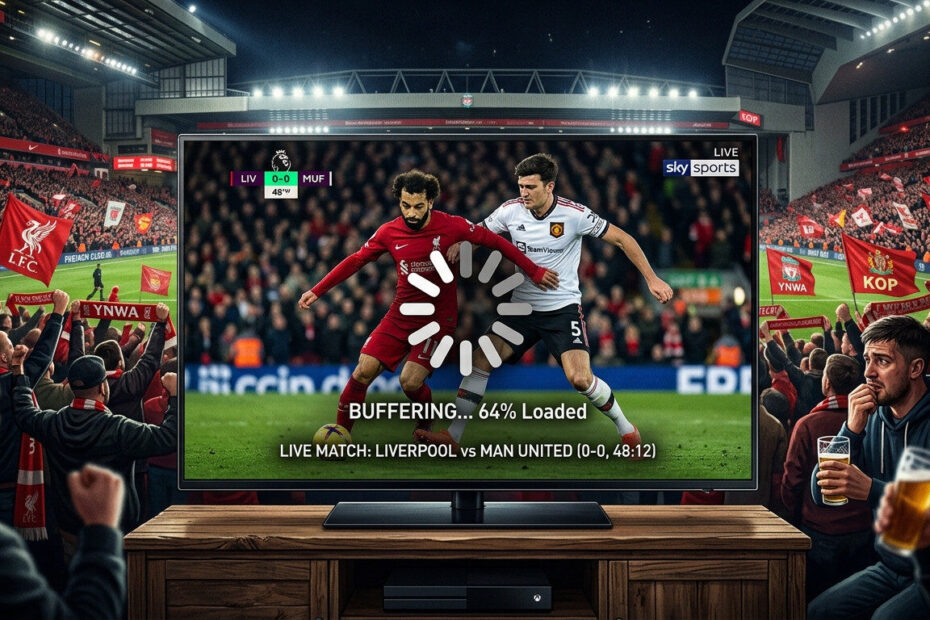
There’s nothing more frustrating than watching a big football match or live event only for your IPTV stream to freeze every few minutes.
Many users notice that IPTV works perfectly for movies or regular TV channels but starts lagging during live sports broadcasts.
If your IPTV is freezing during live sports, the issue is usually related to network congestion, overloaded servers, or device settings.
The good news?
Most live sports IPTV freezing problems can be fixed quickly with a few simple adjustments.
⚠️ Why IPTV Freezes During Live Sports
Live sports events generate massive traffic spikes.
During major matches, thousands of users connect simultaneously, which can overload IPTV servers and increase buffering.
Common causes include:
- Server overload
- Slow internet connection
- ISP throttling
- Weak Wi-Fi signal
- Small IPTV buffer settings
- Low-performance streaming devices
🌐 1. Use a Faster Internet Connection
Streaming live sports requires stable bandwidth.
✅ Recommended Speeds:
- HD Sports: 25 Mbps
- 4K Sports: 50+ Mbps
If your IPTV freezes during live sports, run a speed test first.
✅ Fix:
- Restart your router
- Use Ethernet instead of Wi-Fi
- Disconnect unused devices
📡 2. Avoid Wi-Fi Interference
Wireless interference is one of the biggest causes of IPTV freezing.
✅ Fix:
- Move closer to the router
- Use 5GHz Wi-Fi
- Avoid streaming through walls
- Use wired Ethernet if possible
A stable connection dramatically improves live sports streaming.
⚙️ 3. Increase IPTV Buffer Size
A small buffer can cause streams to freeze during high-traffic events.
✅ Fix:
Inside your IPTV player:
- Increase buffer size to Medium or Large
- Enable hardware decoding
This helps stabilize live sports playback.
🔐 4. Use a VPN to Avoid ISP Throttling
Some internet providers slow down streaming traffic during peak hours.
This is especially common during live sports events.
✅ Fix:
Using a VPN can:
- Bypass ISP throttling
- Improve routing
- Reduce buffering spikes
A VPN often restores smooth IPTV sports streaming instantly.

📲 5. Close Background Apps
Low-memory devices may struggle during high-bitrate sports streams.
✅ Fix:
- Close unused apps
- Restart your streaming device
- Clear IPTV app cache
This frees up system resources for smoother playback.
📺 6. Lower Stream Quality Temporarily
If servers are overloaded, lowering video quality may help.
✅ Fix:
Switch from:
- 4K → HD
- HD → SD
This reduces buffering during peak traffic periods.
🔄 7. Try Another IPTV Player
Some IPTV apps handle live sports streams better than others.
✅ Recommended Players:
Testing another player can improve stability immediately.

🛠️ Quick Fix Checklist
If IPTV freezes during live sports:
✔ Restart router
✔ Use Ethernet
✔ Increase buffer size
✔ Enable VPN
✔ Close background apps
✔ Lower stream quality
✔ Try another IPTV player
🎯 Final Thoughts
When IPTV freezes during live sports, the problem is usually caused by network congestion or unstable streaming settings.
By optimizing your internet connection, adjusting IPTV player settings, and using a VPN, you can significantly improve live sports streaming quality.
Small changes can make a huge difference during important matches and live events.