
If your IPTV app stopped working right after a Firestick or Smart TV update, you’re not alone.
This week, thousands of users reported:
- IPTV apps crashing on launch
- Channels not loading
- Login or playlist errors
- Apps disappearing from devices
The issue isn’t your IPTV service alone — software updates are quietly breaking compatibility.
This guide explains:
- What’s happening
- Why updates affect IPTV apps
- Quick fixes you can try today
- How users are preventing this long-term
🔄 Why Device Updates Are Breaking IPTV Apps
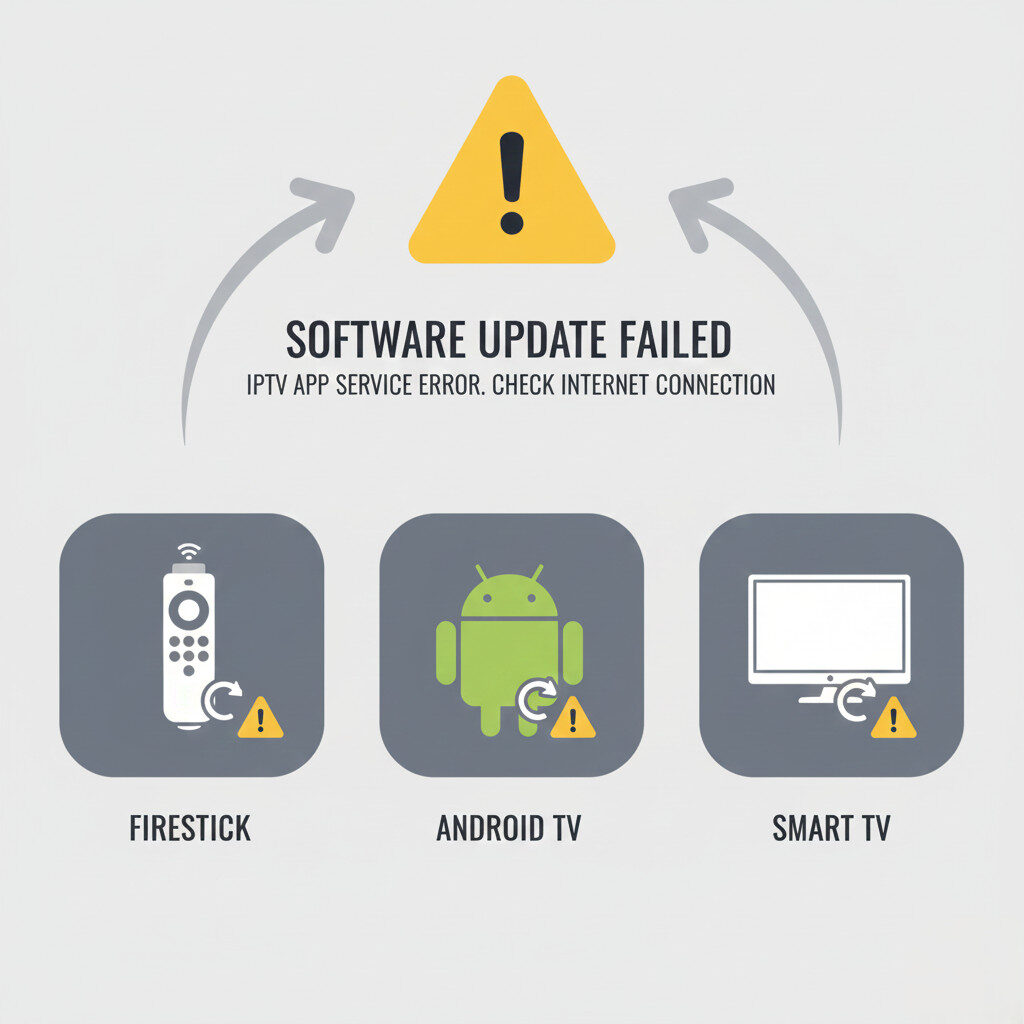
Streaming devices update automatically, often without warning.
📺 Firestick & Android TV Updates
Recent updates focus on:
- Security changes
- App permission restrictions
- Background process limits
Many IPTV apps aren’t updated fast enough to stay compatible.
📱 Smart TV Firmware Changes
Smart TVs (Samsung, LG, Android TV) frequently:
- Remove older apps
- Change media playback frameworks
- Restrict third-party streaming apps
This causes IPTV apps to:
- Crash
- Lose EPG data
- Fail to load streams
❌ Common IPTV Problems After an Update
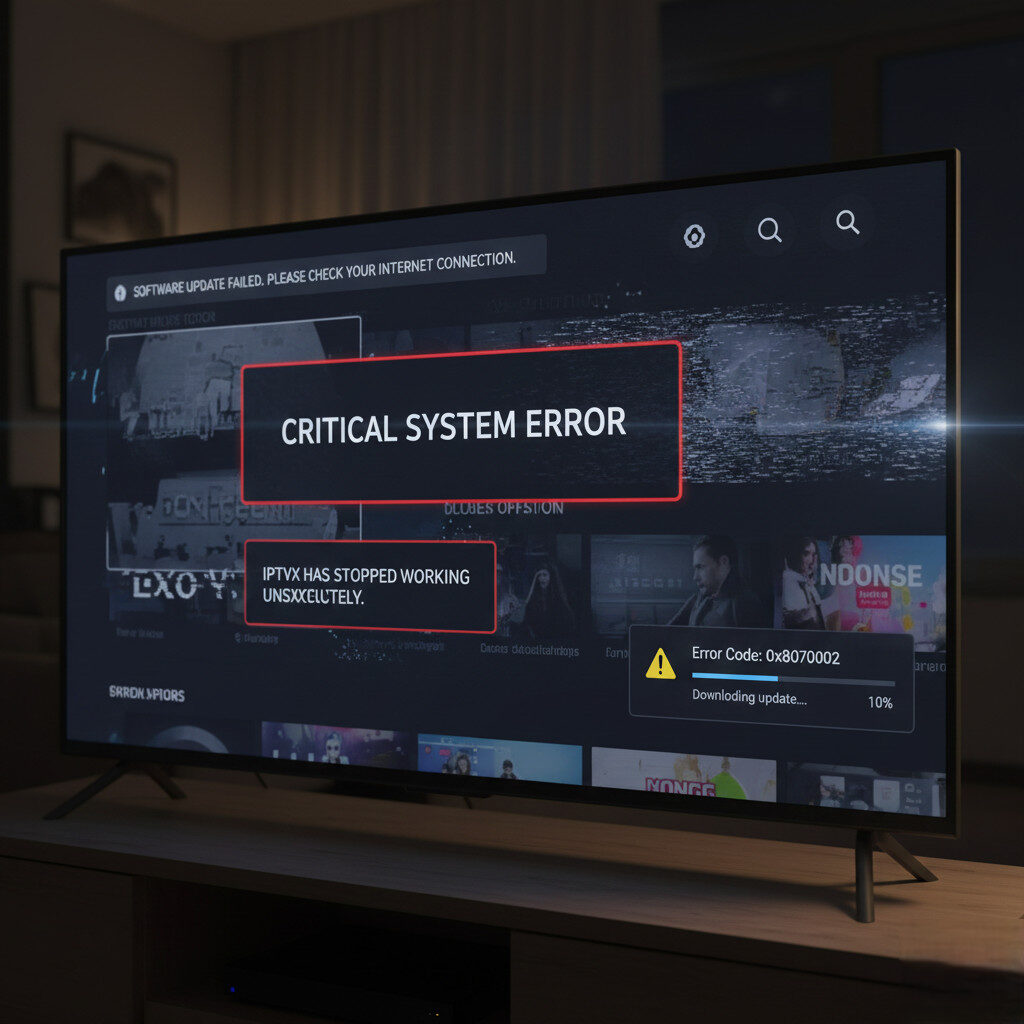
If this happened after an update, you may see:
- IPTV app opens then closes
- “Invalid playlist” errors
- Black screen with audio only
- App removed from the store
These are software conflicts, not necessarily service shutdowns.
⚡ Quick Fixes You Can Try Right Now
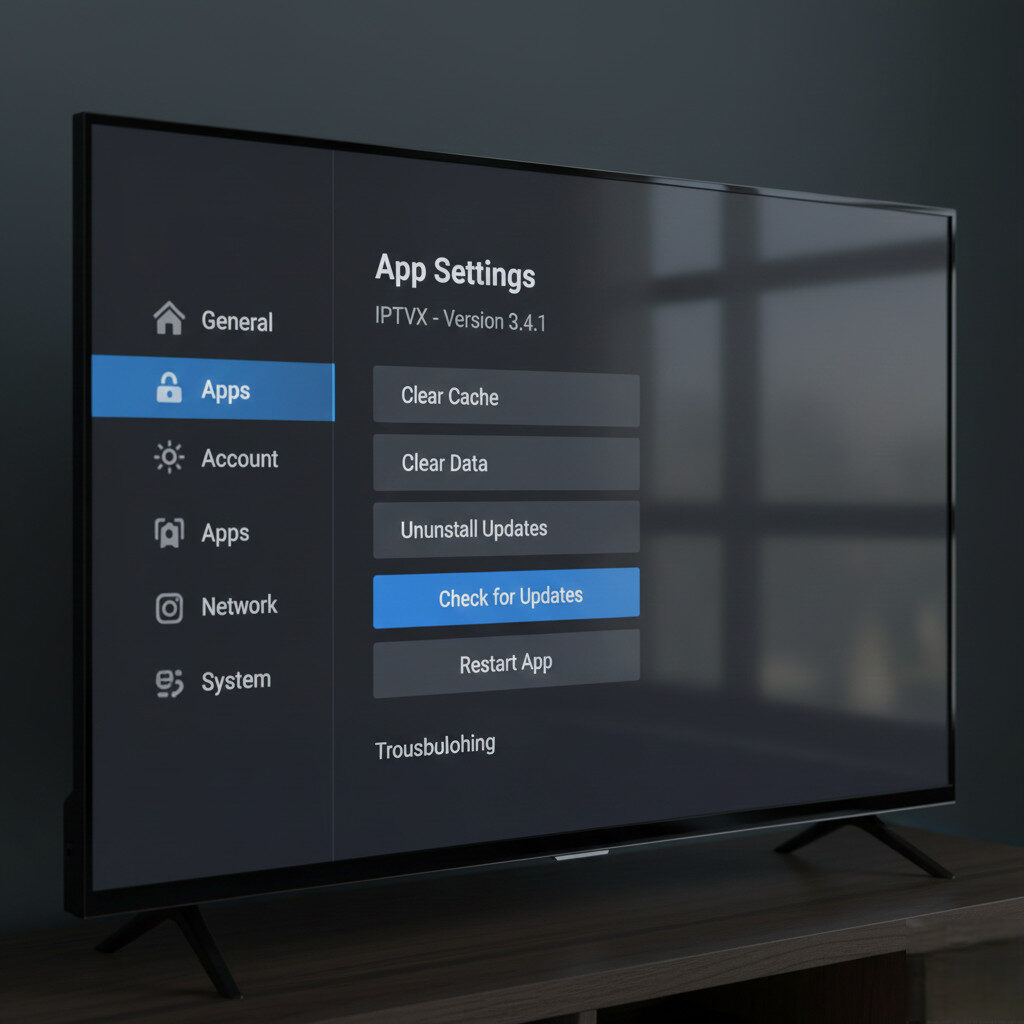
Before switching services, try these proven fixes:
✅ Clear App Cache & Data
On Firestick or Android TV:
- Clear cache
- Restart device
- Reopen app
This alone fixes many post-update crashes.
✅ Update or Reinstall the IPTV App
- Check for app updates
- Reinstall the latest version
- Avoid outdated modded apps
Premium IPTV players recover faster after updates.
✅ Switch IPTV Player
Many users fix update-related issues by switching to:
- TiviMate
- IPTV Smarters Pro
These apps:
- Update frequently
- Handle OS changes better
- Offer better stability
✅ Disable Auto-Updates (If Possible)
Advanced users:
- Disable auto-updates
- Test updates manually
- Avoid day-one update bugs
🚫 When the Problem Is NOT Your IPTV Provider
If:
- Free IPTV apps still work
- Internet speed is fine
- Only one app fails
➡️ The issue is device compatibility, not service quality.
🔄 What Users Are Doing Instead (New Trend)
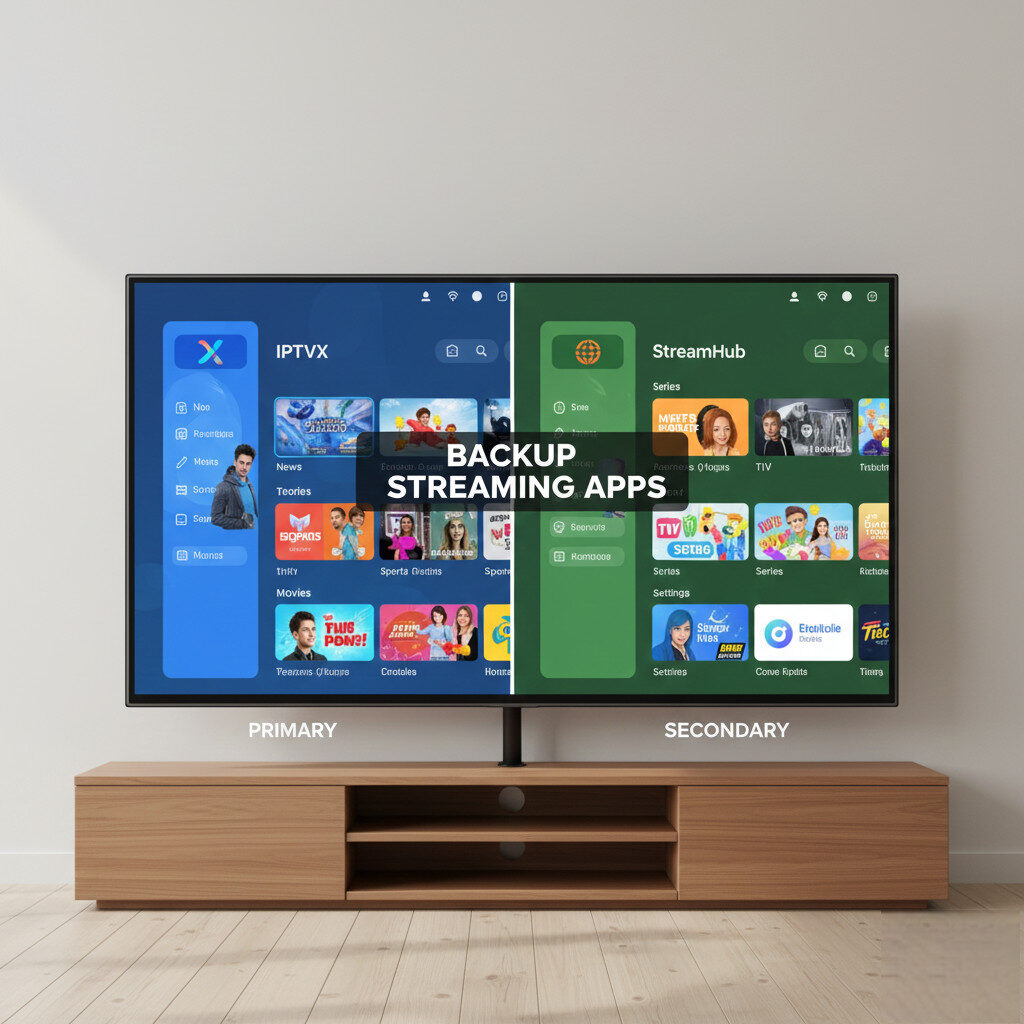
This week, experienced users are:
🔁 Using Backup IPTV Players
They install:
- One main player
- One backup player
So updates don’t leave them without access.
🆓 Keeping Free IPTV Apps Installed
Free apps:
- Rarely break after updates
- Are store-approved
- Provide emergency access
💡 Avoiding Smart TV Apps Entirely
Many users now prefer:
- External streaming devices
- Firestick / Android TV boxes
- Easier recovery when things break
🏆 Best IPTV Players That Survive Updates Better
Apps that update frequently and remain compatible tend to:
- Break less often
- Recover faster after updates
- Offer better playback stability
⚠️ Important Reminder
Automatic updates are designed for mainstream apps, not IPTV.
Stability comes from:
- Flexible setups
- Backup apps
- Short subscription commitments
Not from blind trust.
✅ Final Verdict
If your IPTV stopped working after a Firestick or Smart TV update:
- You’re not alone
- The issue is widespread this week
- Fixes exist
- Smart setup choices prevent future problems
IPTV users who prepare experience less downtime and frustration.