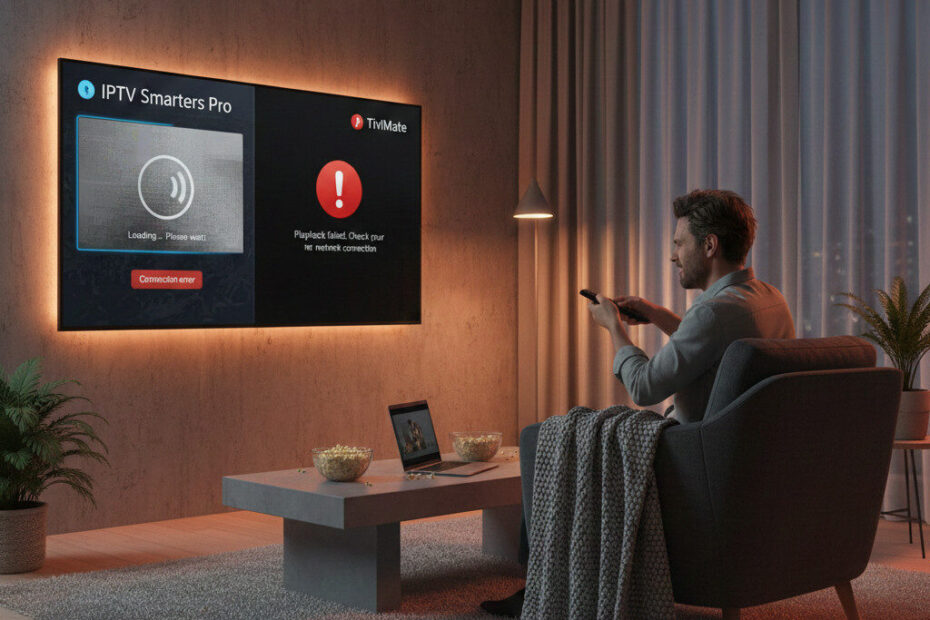
If your favorite IPTV player — especially IPTV Smarters Pro or TiviMate — suddenly stopped working after a Firestick, Android TV, or Smart TV update, you’re not imagining it.
Users around the web are reporting the same behavior: apps that used to work perfectly, now crashing on launch, failing to load channels, or disappearing from app stores altogether.
Below we break down what’s happening, why it’s trending this week, and what alternatives users are turning to.
🔍 Why This Is Happening
Recent OS and firmware updates on Firestick, Android TV, and Smart TVs are tightening:
- App permission requirements
- Background media policies
- Security restrictions on streaming players
This affects IPTV players more than most typical apps because they often:
✔ Use custom playback engines
✔ Rely on external playlist sources
✔ Require flex access to networks and media
When the underlying system changes, these apps can fail.
📱 A Closer Look at the Two Most Affected Apps
🔥 IPTV Smarters Pro
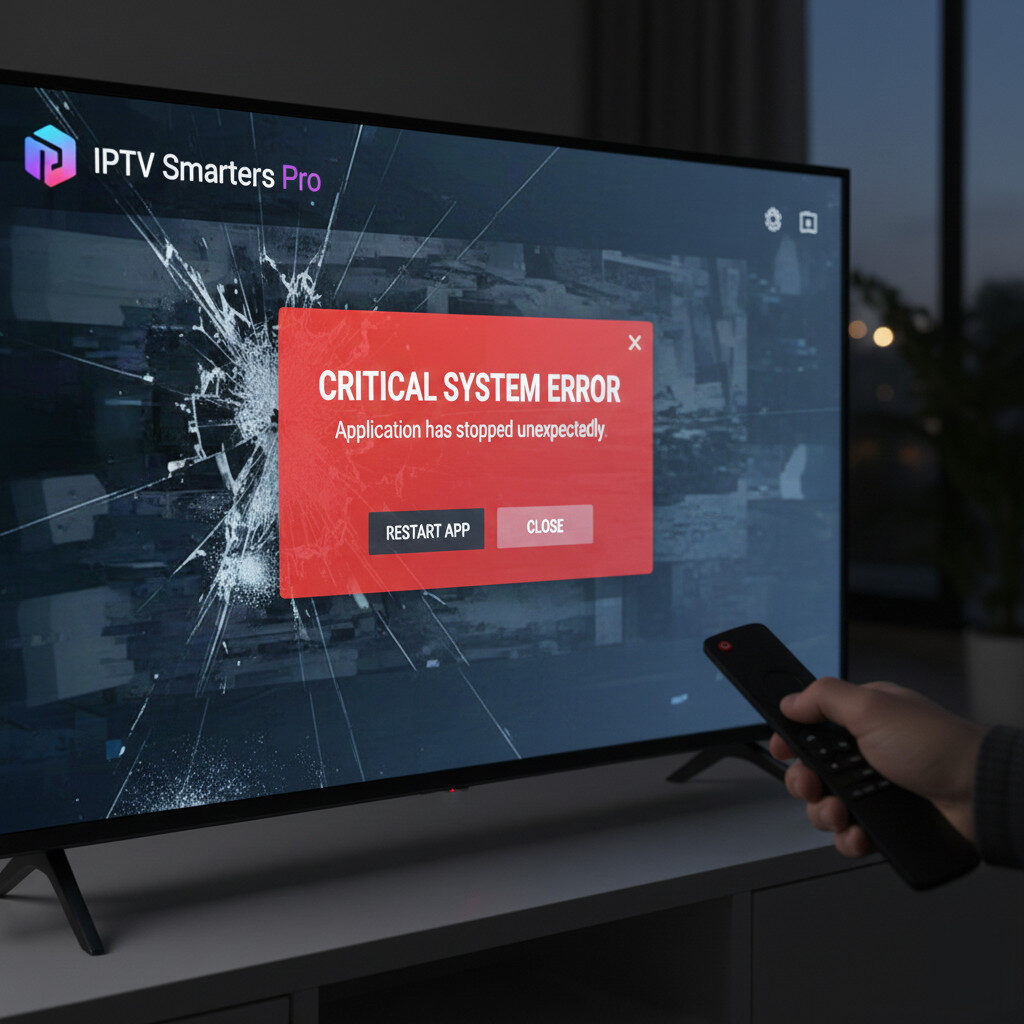
Symptoms Users Report:
- App fails to launch
- Login loops
- Playlist loading errors
- Black screens on channel load
Cause:
After recent updates, some devices restrict access to network sockets that IPTV Smarters relies on — causing partial or complete failure.
Many users without rooted or modified devices report this issue more frequently this week.
📺 TiviMate
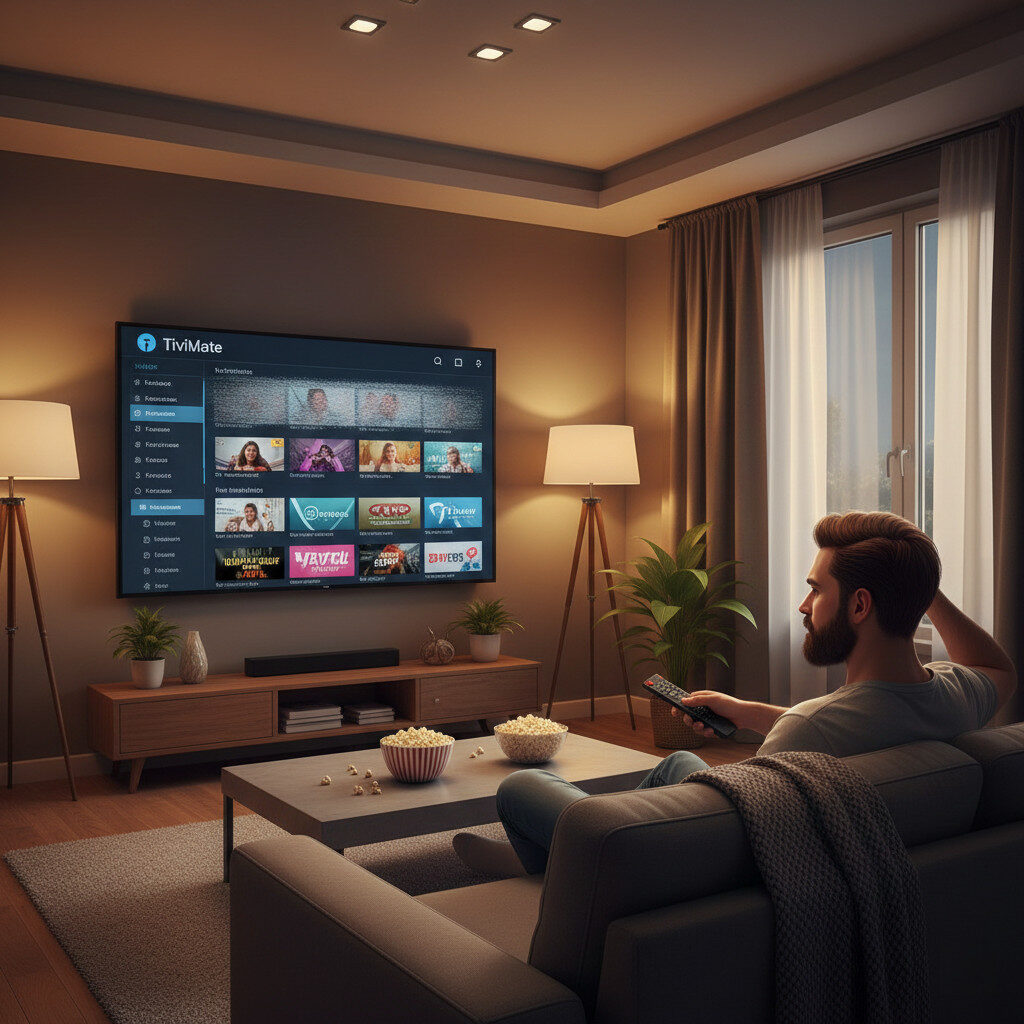
Common Issues:
- Channels hang during playback
- EPG stops updating
- App crashes during live TV
Possible Cause:
TiviMate’s integration with certain backend playback libraries isn’t yet fully compatible with some of the newest Android/Fire OS firmware changes.
This leads to race conditions, silent crashes, and sudden freezes.
🧠 Not Just One User — Community Signals
Across Reddit and other forums this week, users are posting about:
“TiviMate stopped working after the latest Firestick update… anyone else?”
“IPTV Smarters Pro just crashes on launch now.”
“App was fine yesterday but not today.”
This pattern indicates a software compatibility issue, not just isolated bad settings.
🛠 Solutions & Workarounds That Users Are Trying
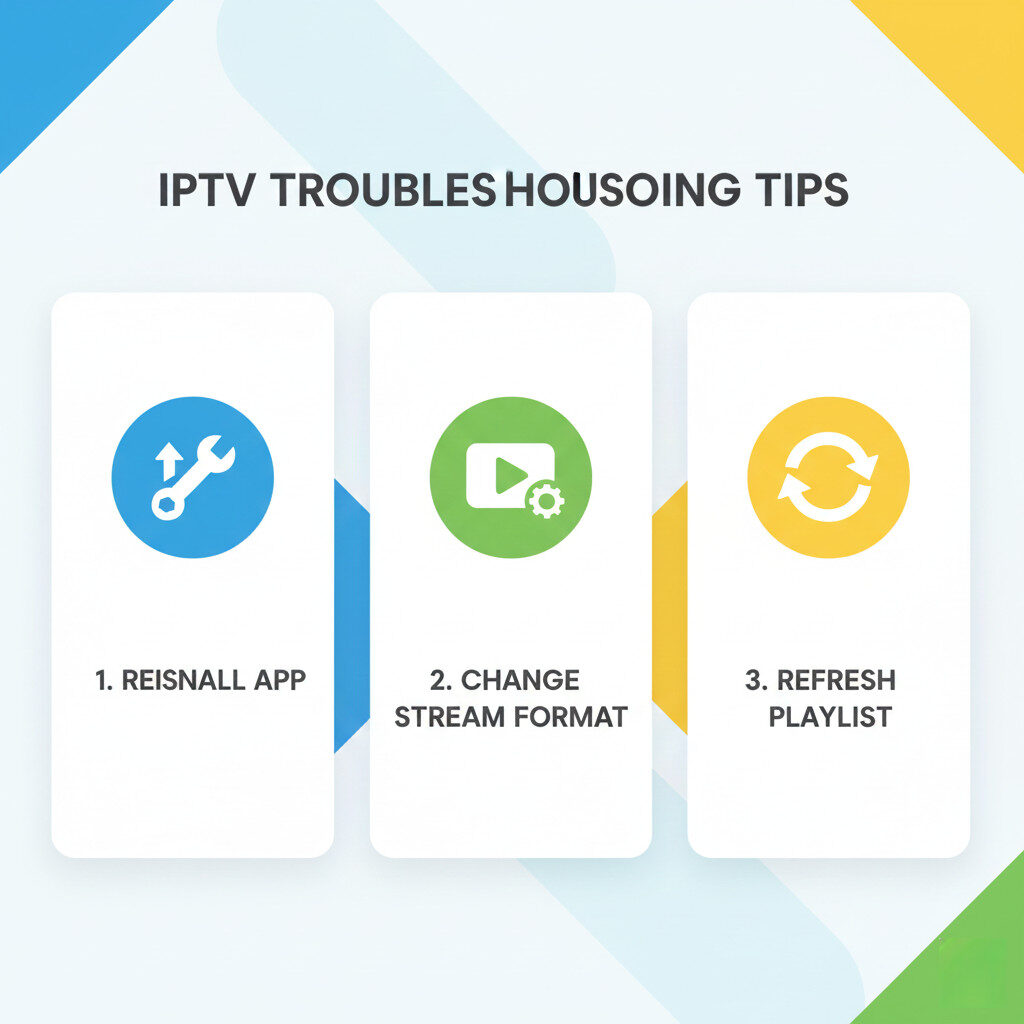
✔ 1. Reinstall the Latest Version
Sometimes the app needs a fresh install after firmware changes.
Steps:
- Uninstall
- Restart device
- Install the latest supported version
✔ 2. Switch Playback Format
Some players let you switch between:
- HLS
- MPEGTS
- UDP
Experimenting can avoid system restrictions.
✔ 3. Use Alternative IPTV Players
This week, users have reported fewer compatibility issues using the following:
⭐ Best IPTV Player Alternatives (2025)
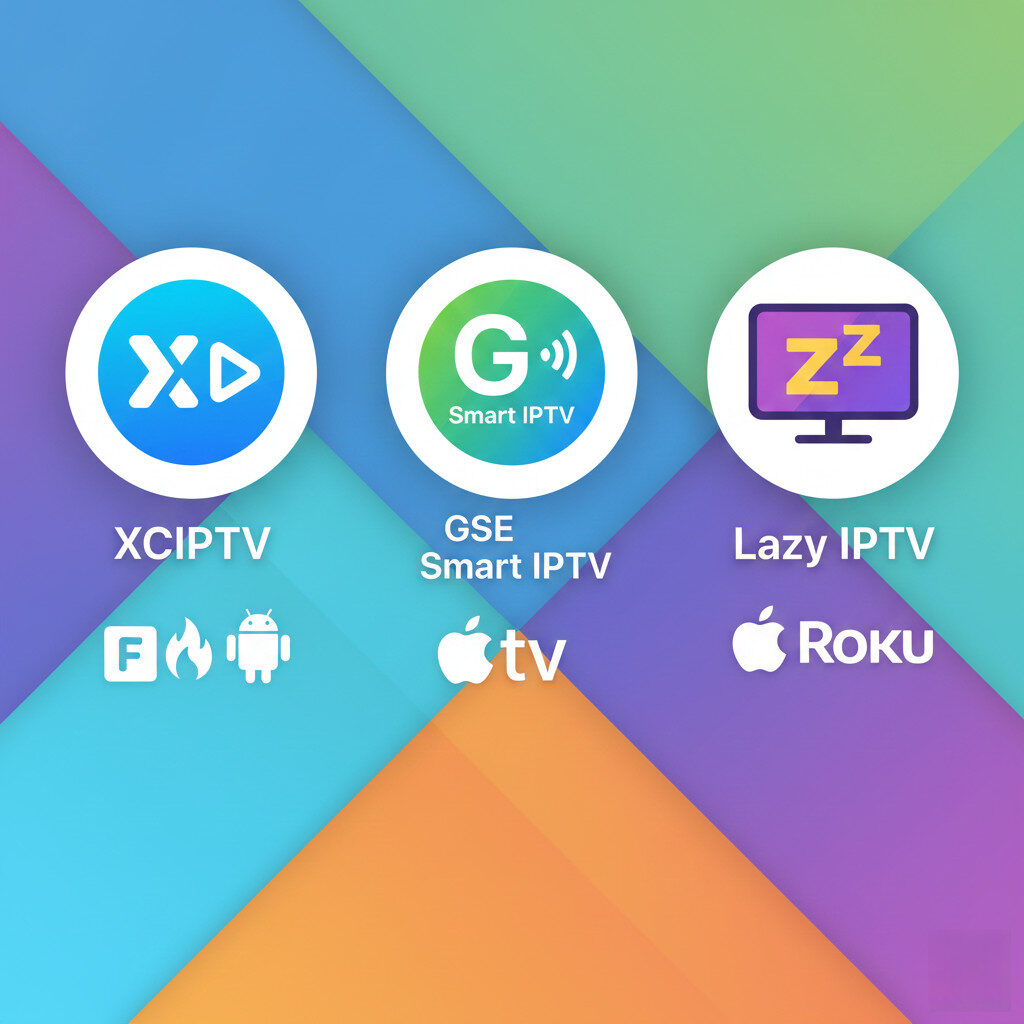
📌 XCIPTV
- Strong compatibility on Firestick & Android TV
- Less prone to firmware restrictions
- Clean UI and EPG support
Best for: Users who want stability without frequent crashes.
📌 GSE Smart IPTV
- Works across Android, iOS, Firestick
- Multiple stream formats supported
- Auto playlist refresh
Best for: Users needing flexible playlist handling.
📌 Lazy IPTV
- Lightweight and minimal
- Supports external player integration
Best for: Advanced users who like customization.
⚠️ What About Official App Stores?
In some regions, Smarters Pro and TiviMate may be removed temporarily from app stores due to policy changes in certain device ecosystems.
That doesn’t always mean the apps are gone permanently — just that they’re under review or restricted.
📌 Quick Troubleshooting Guide
| Problem | Try This |
|---|---|
| App crashes | Reinstall, clear cache |
| Channels not loading | Change stream format |
| EPG not updating | Refresh playlist |
| App missing in store | Sideload or use alternative |
🙌 Final Thoughts
App compatibility issues after Firestick or Smart TV updates are trending this week because many users are posting these exact symptoms simultaneously.
The key takeaway:
✔ Most issues are caused by software compatibility changes
✔ They’re not always the IPTV provider’s fault
✔ There are stable alternative players available now
If you’re in this situation, you’re not alone — and there are ways to get your IPTV working again.