
If your IPTV service has started buffering, freezing, or lagging recently, you’re not alone. In December 2025, IPTV buffering complaints spike every week — especially during live sports and peak evening hours.
The good news? Many buffering issues are fixable, and in some cases, switching to a better IPTV provider can completely solve the problem.
This guide will show you:
- Why IPTV buffering is worse right now
- Common causes of IPTV buffering
- Quick fixes you can try today
- When it’s time to switch services

📊 Why IPTV Buffering Is Worse in December
Several factors make buffering more common this month:
📈 Peak Traffic
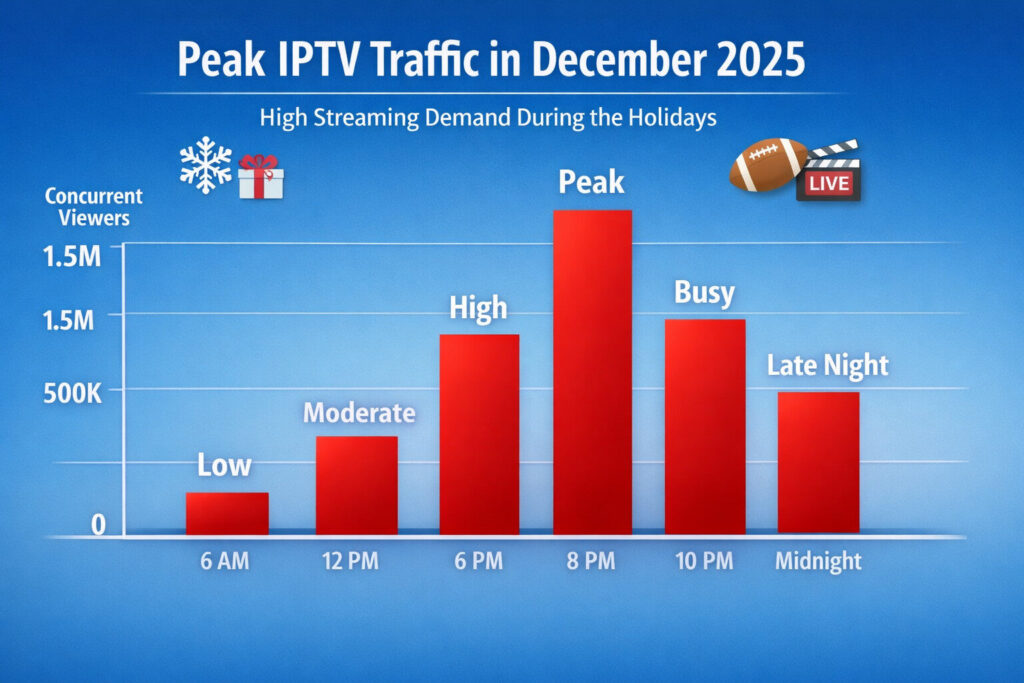
- More people streaming at home for the holidays
- Major live sports events
- Congested networks due to holiday internet usage
Many IPTV providers oversell their servers, and when demand spikes, streams start lagging.
🏈 Live Sports Overload

If your IPTV struggles during football, basketball, or UFC/PPV events, it’s usually a bandwidth issue on the provider’s side.
⚠️ Cheap or Overloaded Servers
Low-cost IPTV services often:
- Share servers with too many users
- Use outdated infrastructure
- Lack regional optimization
Result: buffering during peak hours.
🔍 Common IPTV Buffering Causes
Before blaming your internet connection, check these first:
1️⃣ Weak IPTV Servers
Buffering that happens only during live TV, nighttime, or certain channels is almost always a provider-side issue.
2️⃣ Poor IPTV Apps
Older or basic apps may:
- Crash under load
- Handle buffering poorly
- Lack playback optimization
3️⃣ ISP Throttling
Some ISPs slow streaming traffic at peak times. Signs include:
- Smooth daytime streaming
- Nighttime buffering
- Other apps work fine
4️⃣ Overloaded Playlists
Huge playlists with thousands of channels can slow load times and overwhelm players.
⚡ Quick IPTV Buffering Fixes You Can Try Today
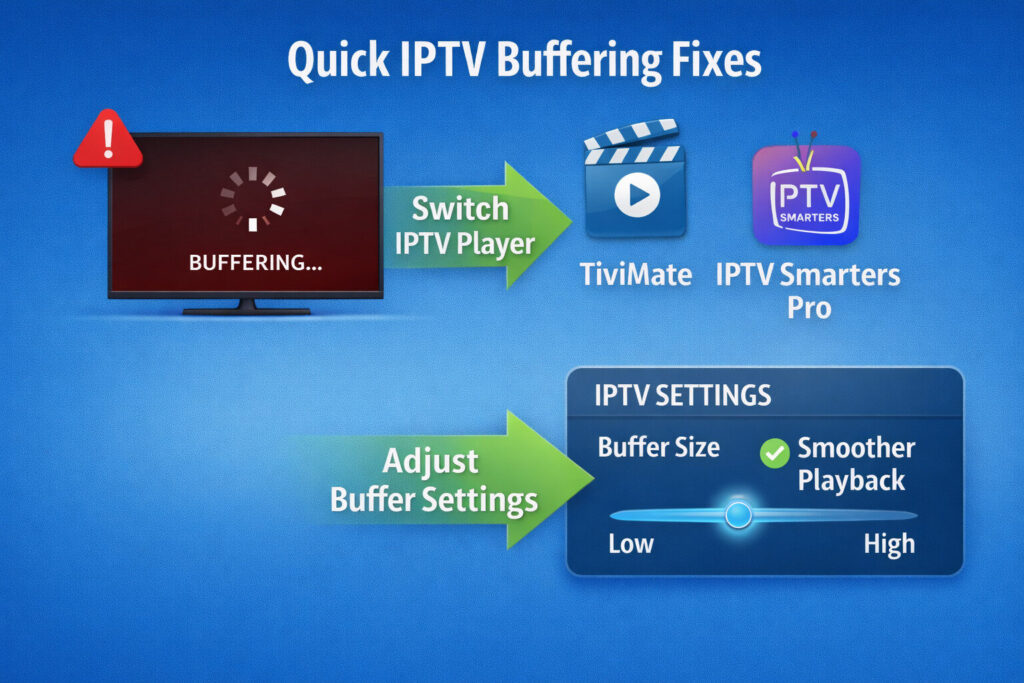
✅ Switch IPTV Player
Many users see improvements by switching to premium apps like:
These apps handle buffering better and optimize playback.
✅ Change Stream Format
Inside your IPTV app, try switching from:
- MPEGTS → HLS or HLS → MPEGTS
This can resolve buffering in many cases.
✅ Increase Buffer Size
If your IPTV app allows it, slightly increase buffer time for smoother playback.
✅ Restart Network Equipment
- Restart your modem & router
- Prefer Ethernet over Wi-Fi when possible
🚫 When IPTV Buffering Is NOT Your Fault
Sometimes, buffering cannot be fixed on your end. Signs include:
- Daily buffering
- Channels going offline
- Unresponsive support
- Fluctuating service quality
If this sounds familiar, it’s time to switch providers.
🔄 What Users Are Switching To Instead
Many users now use a hybrid IPTV setup:
🆓 Free IPTV Apps for Daily Viewing
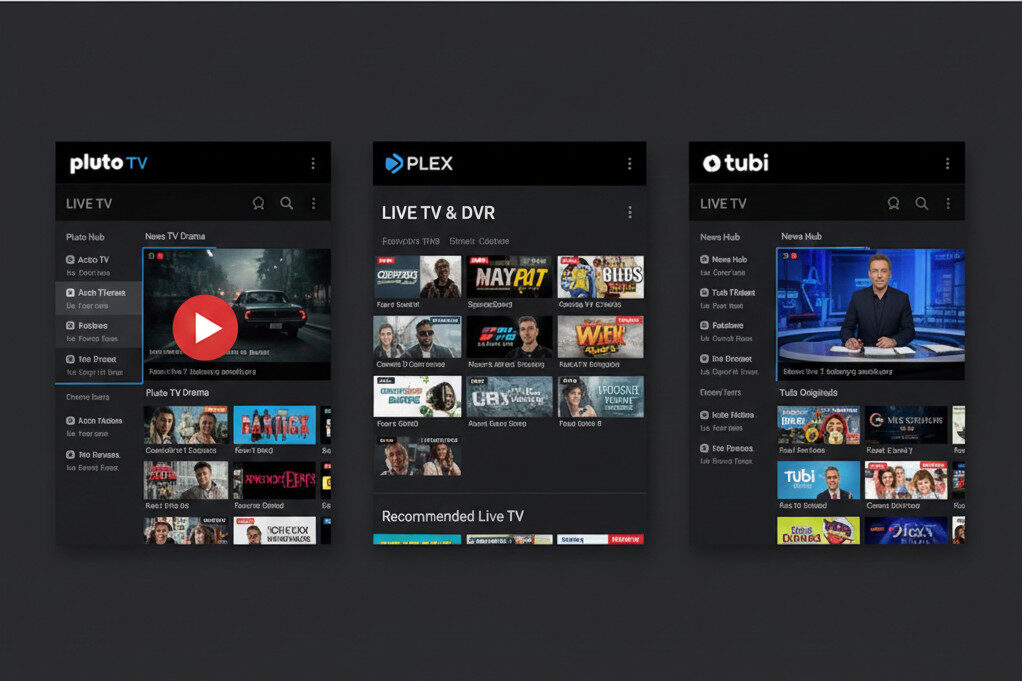
These apps are legal, stable, and perfect for everyday channels.
💰 Paid IPTV for Premium Content
- Only use paid IPTV for sports & premium content
- Avoid long subscriptions for unstable services
- Easier to switch providers
🏆 Best IPTV Providers With the Least Buffering (December 2025)
While no IPTV service is perfect, users report fewer issues with providers that offer:
- Strong server infrastructure
- Stable HD/4K streams
- Compatibility with premium players
Check our full comparison here: Best IPTV Providers & Free IPTV Apps (December 2025)
✅ Final Verdict: How to Stop IPTV Buffering

- Try player & stream fixes first
- Avoid overloaded playlists
- Don’t lock into long subscriptions
- Use free IPTV apps as backup
- Switch providers if problems persist
In today’s IPTV landscape, flexibility beats loyalty. Using the right player, server, and provider combination ensures you enjoy a smooth streaming experience — and saves you from endless buffering.