
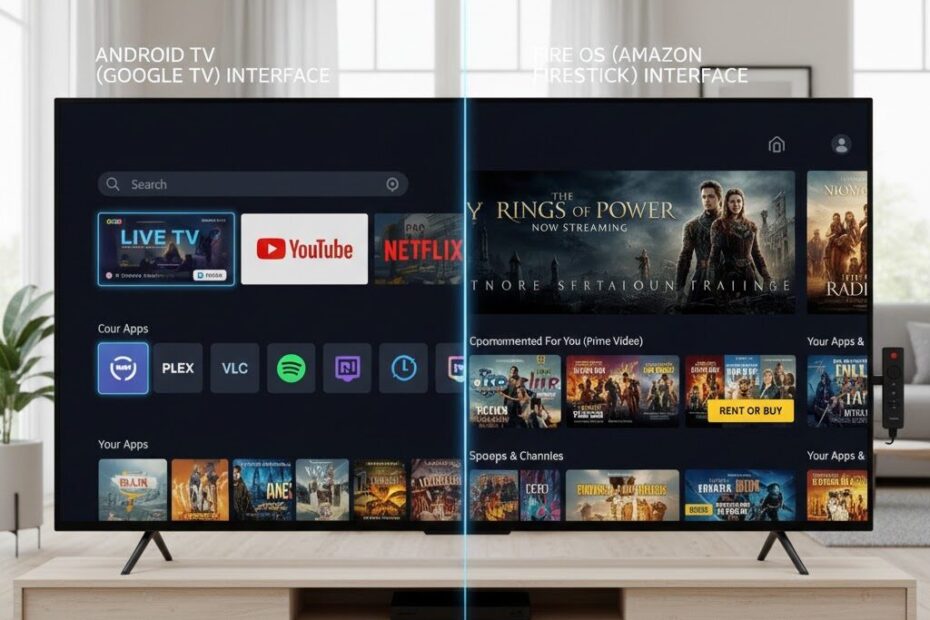
If you’re planning to stream IPTV, one big question comes up:
Should you use an Android TV Box or a Firestick?
Both devices are popular, affordable, and IPTV-friendly — but they are not the same. Performance, app flexibility, storage, and long-term stability can vary significantly.
In this guide, we compare Android TV Box vs Firestick for IPTV so you can choose the right device for smooth, buffer-free streaming.
Quick Comparison Table ⚡
| Feature | Firestick | Android TV Box |
|---|---|---|
| Ease of Use | ⭐⭐⭐⭐⭐ | ⭐⭐⭐⭐ |
| IPTV App Support | ⭐⭐⭐⭐ | ⭐⭐⭐⭐⭐ |
| RAM & Performance | ⭐⭐⭐ | ⭐⭐⭐⭐⭐ |
| Customization | ⭐⭐ | ⭐⭐⭐⭐⭐ |
| Price | 💲💲 | 💲💲💲 |
| Long-Term Stability | ⭐⭐⭐ | ⭐⭐⭐⭐ |
Firestick for IPTV 🔥
Amazon Firestick is one of the most popular streaming devices worldwide.
✅ Pros
- Affordable
- Easy to set up
- Compact and portable
- Supports major IPTV apps
- Great remote control experience
❌ Cons
- Limited storage and RAM
- Amazon restrictions
- Updates sometimes break IPTV apps
- Can lag with multiple 4K streams
Best For:
✔ Casual IPTV users
✔ Users who want simple plug-and-play setup
✔ Budget-friendly streaming
Android TV Box for IPTV
Android TV Boxes offer more power and flexibility.
✅ Pros
- More RAM and storage
- Better multitasking
- Fewer app restrictions
- Stronger hardware decoding
- Better for heavy IPTV users
❌ Cons
- Slightly more expensive
- Quality varies between brands
- Setup may require more configuration
Best For:
✔ Power users
✔ 4K IPTV streaming
✔ Multi-screen households
✔ Custom IPTV setups
Performance Comparison for IPTV 🎯
1️⃣ Streaming Stability
Android TV Boxes typically provide more stable playback due to better hardware and memory.
Firestick works well — but can struggle under heavy load.
2️⃣ IPTV App Compatibility
Both support popular apps like:
However, Android TV Boxes allow more customization and sideloading flexibility.
3️⃣ 4K IPTV Streaming
If you’re serious about 4K IPTV:
- Firestick 4K Max performs well
- High-end Android TV Boxes perform even better
For smooth 4K playback with minimal buffering, hardware matters.
4️⃣ Updates & Restrictions
Firestick updates occasionally affect IPTV functionality.
Android TV Boxes are generally less restrictive and offer more control.
Which One Should You Choose? 🤔
Choose Firestick if:
- You want simplicity
- You prefer Amazon ecosystem
- You are on a tight budget
Choose Android TV Box if:
- You want maximum performance
- You stream IPTV daily
- You need better multitasking
- You use VPN + IPTV simultaneously
Final Verdict 🏆
When comparing Android TV Box vs Firestick for IPTV, the best choice depends on your needs.
Firestick is perfect for casual users and simple setups.
Android TV Box is better for advanced users who want power, flexibility, and long-term IPTV stability.
If IPTV is your primary streaming method, investing in a stronger device often results in fewer buffering issues and smoother playback.