
🎯 Introduction
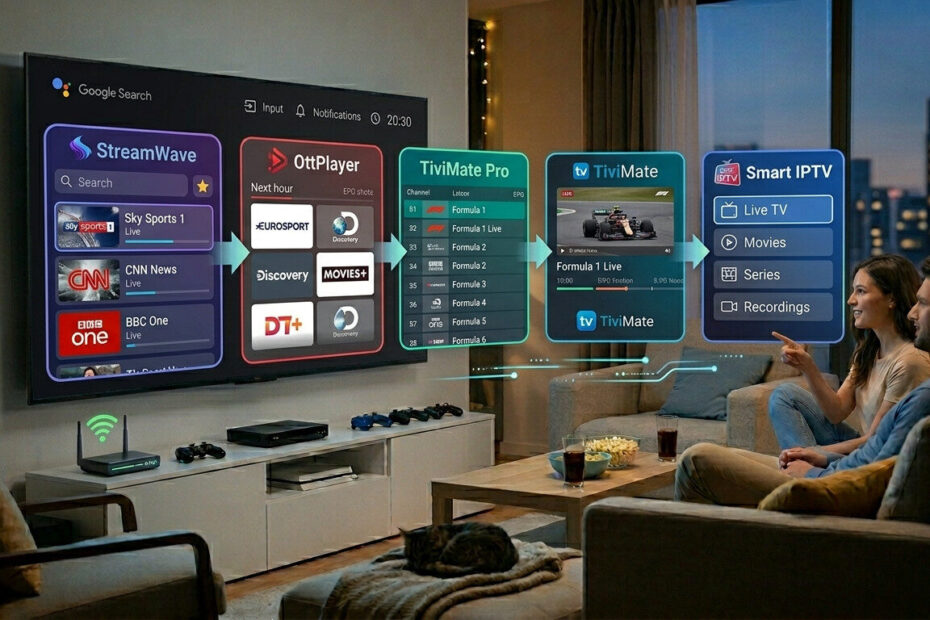
Android TV remains one of the most popular platforms for IPTV streaming thanks to its flexibility, speed, and app compatibility.
But with so many IPTV apps available, choosing the right one can be difficult.
Some apps focus on:
- Better performance
- Faster channel switching
- Advanced TV guides
- Multi-screen support
- Cleaner interfaces
In this guide, we compare the best IPTV apps for Android TV based on usability, stability, and streaming experience.
🏆 1. TiviMate
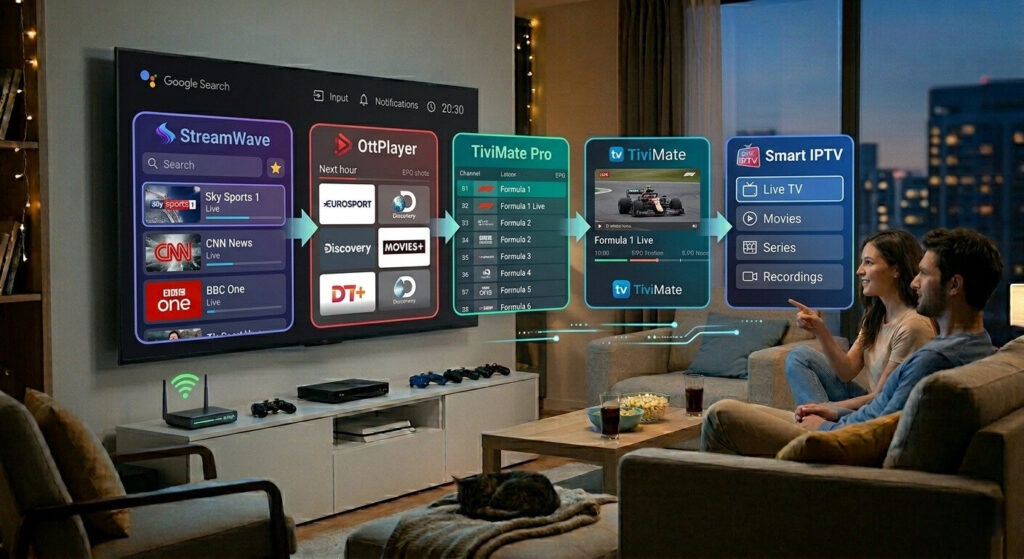
TiviMate is widely considered one of the best IPTV apps for Android TV.
✅ Why Users Like It:
- Modern TV-style interface
- Fast channel loading
- Excellent EPG support
- Multi-playlist management
- Smooth live TV performance
👍 Best For:
✔ Advanced users
✔ Firestick and Android TV
✔ Live sports streaming
📺 2. IPTV Smarters
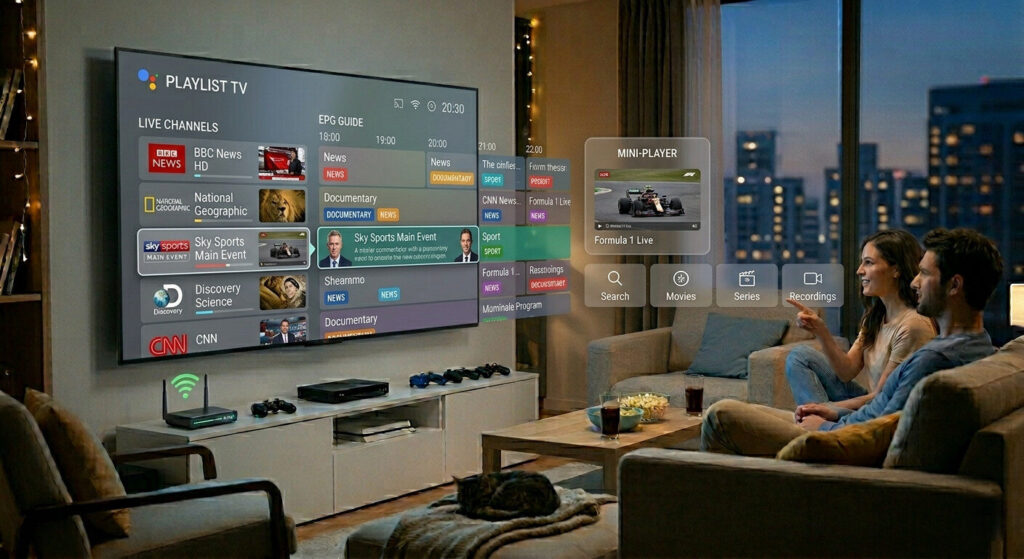
IPTV Smarters is one of the most beginner-friendly IPTV apps available.
✅ Main Features:
- Easy setup
- Xtream Codes support
- Multi-screen playback
- Built-in media player
- Clean navigation
👍 Best For:
✔ Beginners
✔ Multi-device users
✔ Simple IPTV setups
⚡ 3. Perfect Player
Perfect Player focuses on lightweight performance and stability.
✅ Advantages:
- Fast playback
- Low system usage
- Good playlist management
- Stable streaming
👍 Best For:
✔ Older Android TV devices
✔ Users wanting lightweight apps
🎬 4. Kodi
Kodi is a powerful media platform that also supports IPTV playlists.
✅ Key Features:
- Highly customizable
- Add-on support
- Media library integration
- IPTV compatibility
👍 Best For:
✔ Advanced customization
✔ Power users
📡 5. OTT Navigator
OTT Navigator has become increasingly popular among IPTV users.
✅ Why It Stands Out:
- Advanced filtering
- Channel grouping
- Picture-in-picture support
- Fast navigation
👍 Best For:
✔ Heavy IPTV users
✔ Large channel lists
⚙️ What Makes the Best IPTV Apps for Android TV?
The best IPTV apps should offer:
✔ Fast channel switching
✔ Stable playback
✔ Good EPG support
✔ Easy playlist management
✔ Hardware decoding support
Performance is especially important for live sports and HD channels.
🌐 IPTV App Performance Tips
To improve IPTV app performance on Android TV:
- Keep apps updated
- Clear cache regularly
- Use Ethernet when possible
- Enable hardware acceleration
- Restart device occasionally
These small optimizations can improve streaming stability significantly.
🔐 Should You Use a VPN With IPTV Apps?
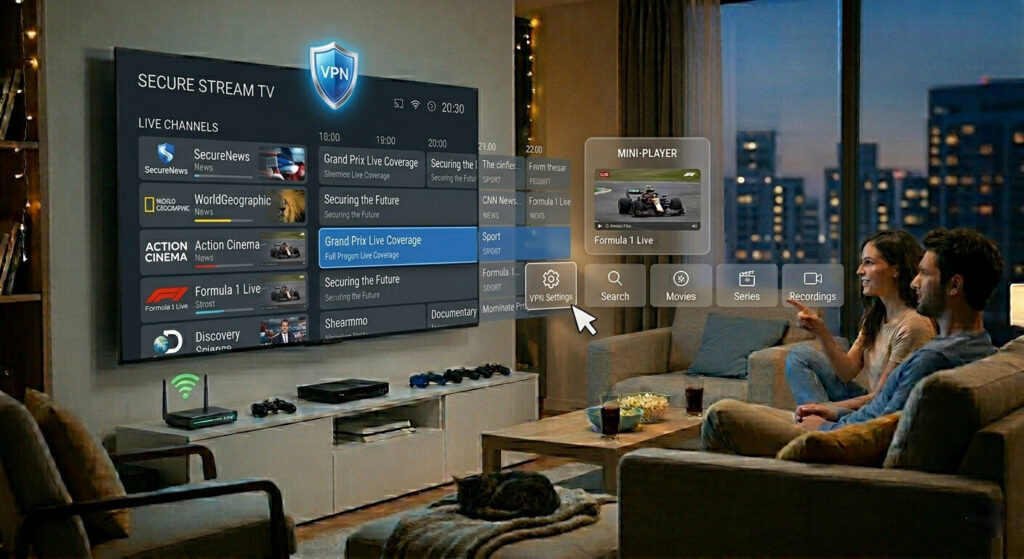
Many Android TV users combine IPTV apps with a VPN to:
- Reduce ISP throttling
- Improve privacy
- Prevent buffering
- Access restricted streams
A reliable VPN can improve IPTV stability during peak hours.
🎯 Final Thoughts
Choosing the best IPTV apps for Android TV depends on your streaming habits and device performance.
- TiviMate is ideal for advanced users
- IPTV Smarters is best for simplicity
- Perfect Player is excellent for lightweight performance
Testing different IPTV apps can help you find the smoothest experience for your setup.