
One of the most common IPTV problems happens without warning:
👉 Your IPTV suddenly stops working.
Channels disappear, playlists fail to load, apps freeze, or nothing connects anymore — even if everything worked perfectly yesterday.
The good news?
In most cases, the issue is temporary and can be fixed in just a few minutes.
In this guide, you’ll learn the most effective ways to fix IPTV that suddenly stopped working and restore your live TV streaming quickly.
⚠️ Why IPTV Suddenly Stops Working
Several issues can interrupt IPTV streaming unexpectedly, including:
- ISP blocking
- Expired playlists
- IPTV server downtime
- App crashes
- Device cache problems
- Internet connection instability
- Outdated IPTV apps
Understanding the cause helps you fix the problem faster.
🌐 1. Restart Your Internet Connection
Before changing any settings, restart your network equipment.
✅ Fix:
- Turn off your router
- Wait 60 seconds
- Restart the router
- Reopen your IPTV app
Temporary network issues often cause IPTV interruptions.
📲 2. Restart Your IPTV App
Apps may freeze or fail after running for long periods.
✅ Fix:
- Force close the IPTV app
- Clear recent apps
- Reopen the player
This simple step often restores channels immediately.
🧹 3. Clear IPTV App Cache
Corrupted cache files can prevent playlists and channels from loading.
✅ Fix:
Go to:
Settings → Apps → IPTV App → Storage → Clear Cache
Restart the app afterward.
🔄 4. Reload Your Playlist
Your playlist may have expired or failed to refresh correctly.
✅ Fix:
- Remove old playlist
- Re-enter M3U or Xtream Codes
- Refresh EPG
Many IPTV problems come from outdated playlist data.
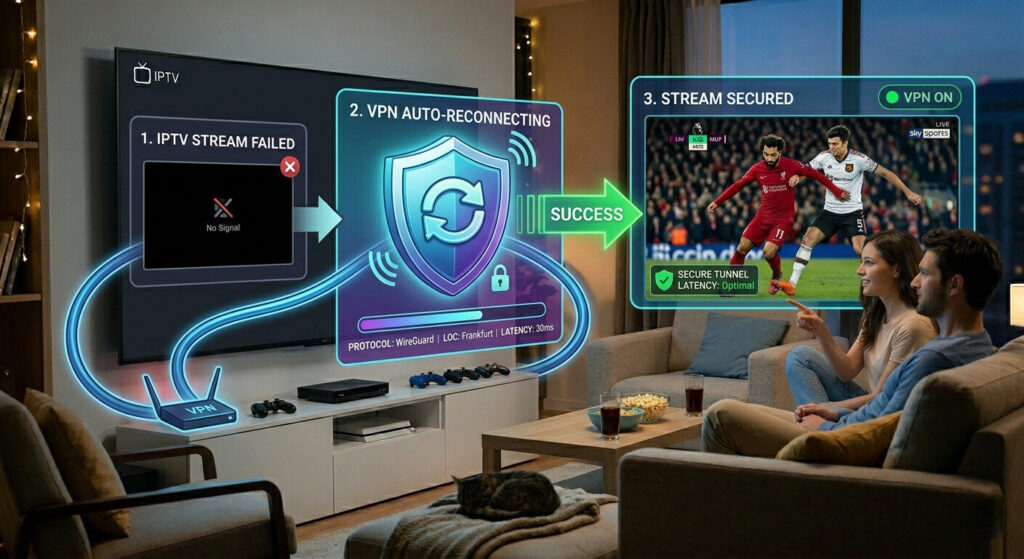
🔐 5. Use a VPN
If IPTV suddenly stopped working only on your home network, your ISP may be blocking access.
✅ Fix:
- Install a VPN
- Connect to a nearby server
- Restart your IPTV app
This often restores IPTV channels instantly.
⚙️ 6. Update Your IPTV App
Outdated IPTV apps may stop functioning after system updates.
✅ Fix:
- Visit app store
- Install latest update
- Restart your device
New versions often fix streaming bugs and compatibility issues.
📡 7. Check IPTV Provider Server Status
Sometimes the issue is not on your side.
Providers may experience:
- Server overload
- Maintenance
- Channel outages
✅ Fix:
- Wait a few minutes
- Contact support
- Test again later
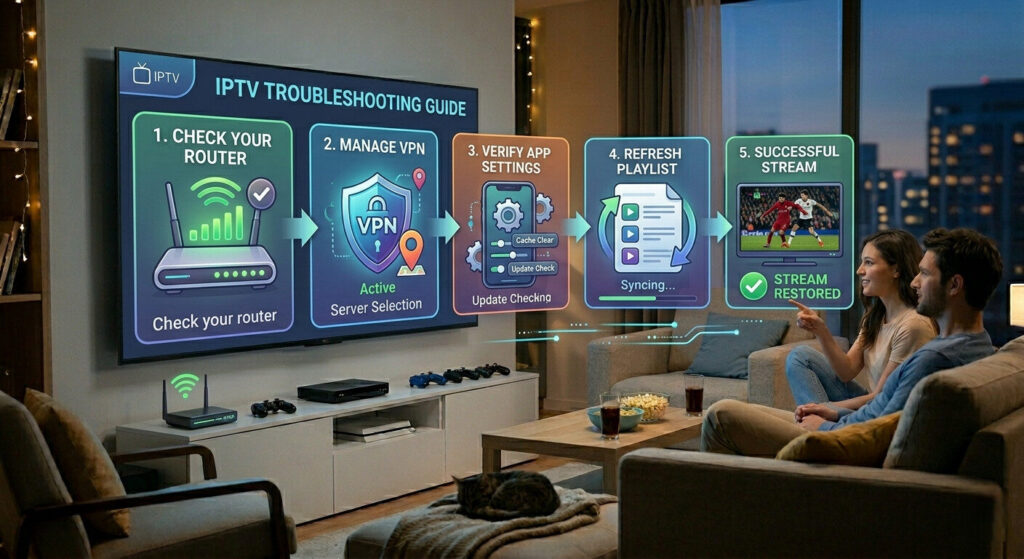
🛠️ Quick IPTV Recovery Checklist
If IPTV suddenly stopped working:
✔ Restart router
✔ Restart IPTV app
✔ Clear cache
✔ Reload playlist
✔ Enable VPN
✔ Update app
✔ Check provider status
🎯 Final Thoughts
When IPTV suddenly stops working, the problem is usually related to connectivity, app settings, or temporary server issues.
Most IPTV interruptions can be fixed quickly without changing providers or devices.
Following these troubleshooting steps can restore your IPTV streaming experience in just a few minutes.