
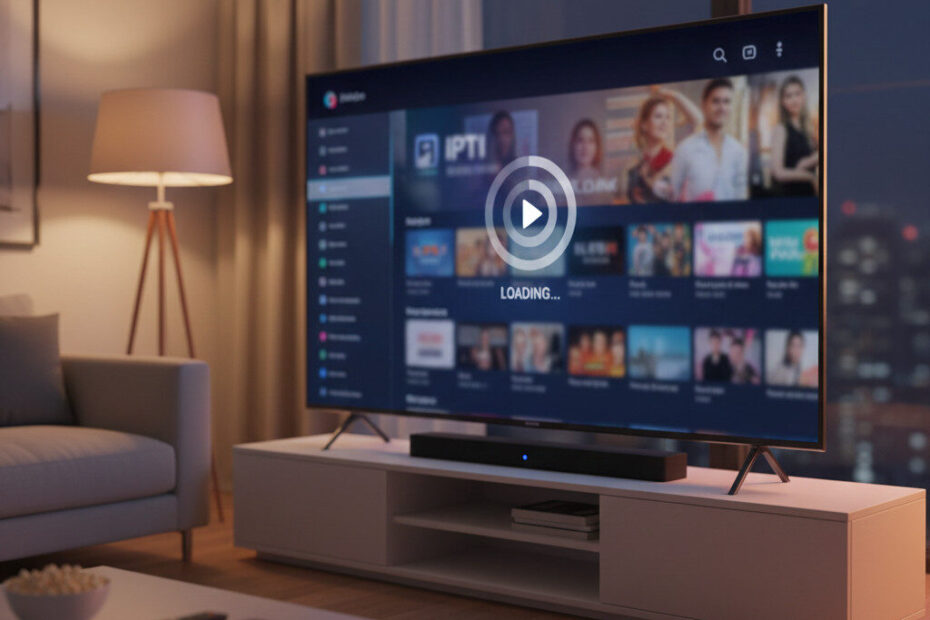
If your IPTV app won’t open on your Smart TV or gets stuck on the loading screen, you’re not alone.
Many users report that their IPTV app:
- Crashes on startup
- Freezes on logo screen
- Won’t load playlists
- Shows a black screen
- Fails to connect to live TV channels
If IPTV is not loading on your Smart TV, the problem is usually related to device memory, outdated apps, or network configuration.
In this guide, you’ll learn exactly why IPTV apps stop working on Smart TVs and how to fix IPTV not loading quickly.
❓Why IPTV Is Not Loading on Smart TV
When IPTV is not loading on Smart TV, it’s often caused by:
- Low device storage
- Outdated IPTV app
- Software update conflicts
- Network connection issues
- IPTV player settings
- DNS blocking
- Playlist loading errors
Smart TVs have limited RAM, which makes IPTV apps more sensitive to crashes or loading failures.
⚠️ Common Signs IPTV Apps Are Not Working
You may notice:
✔ IPTV stuck on loading screen
✔ Black screen after opening app
✔ Playlist fails to load
✔ App crashes immediately
✔ Channels won’t start
If IPTV is not loading on Smart TV but works on your phone or tablet, the issue is likely device-related.
🧹 1. Fix IPTV Not Loading on Smart TV by Clearing App Cache
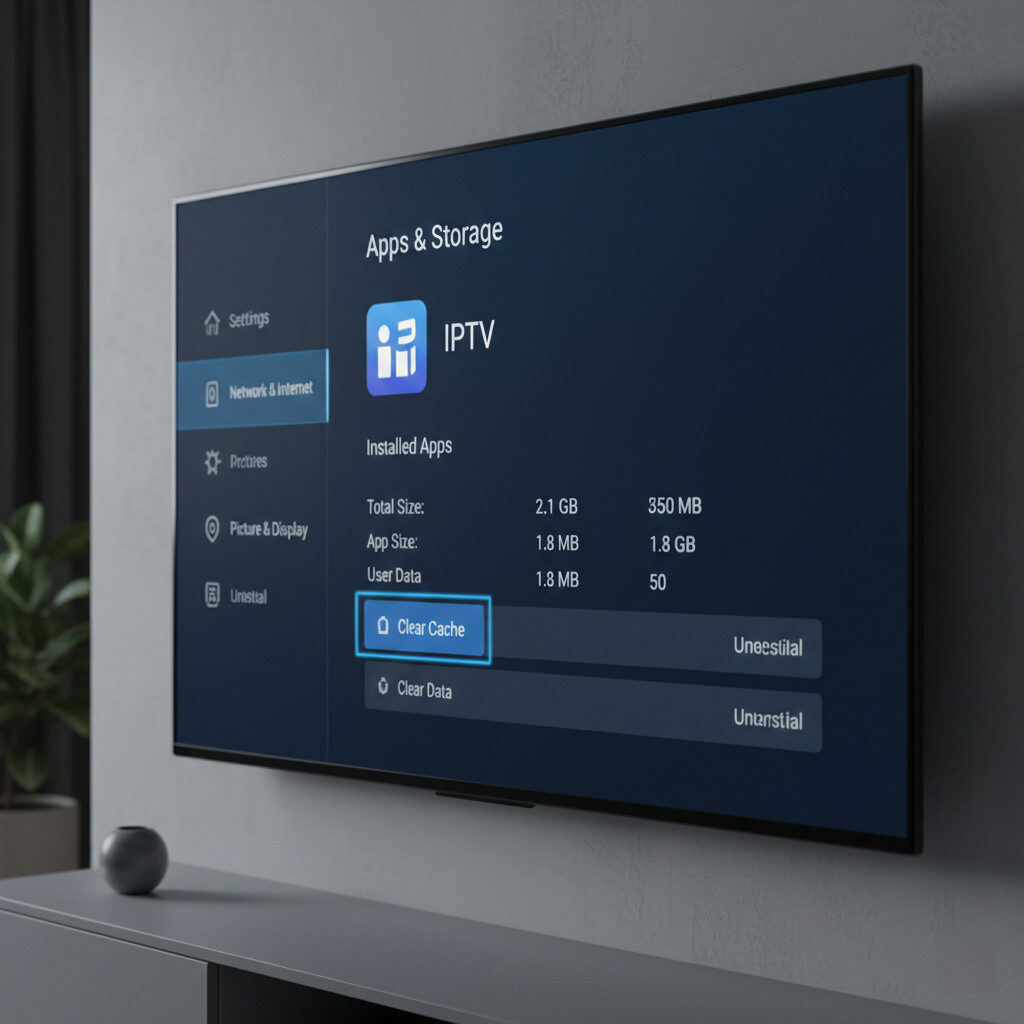
Temporary app data can build up and cause IPTV apps to freeze or stop loading.
✅ Fix:
Go to:
Settings → Apps → IPTV App → Storage → Clear Cache
Restart the IPTV app afterward.
This often fixes IPTV not loading on Smart TV instantly.
🔄 2. Restart Your TV If IPTV App Won’t Open
Your Smart TV may keep background processes running that interfere with IPTV apps.
✅ Fix:
- Turn off your TV
- Unplug it for 60 seconds
- Plug it back in
- Restart the IPTV app
A full restart clears system memory and resolves many IPTV loading issues.
🌐 3. Check Internet When IPTV Won’t Load on TV
IPTV apps require stable internet to load playlists and stream channels.
If IPTV is not loading on Smart TV:
- Restart your router
- Use 5GHz Wi-Fi
- Avoid public networks
- Move closer to router
Unstable Wi-Fi can prevent IPTV apps from connecting to servers.
📲 4. Update IPTV App That Keeps Freezing
Outdated IPTV apps may stop working after Smart TV firmware updates.
✅ Fix:
Visit your TV’s app store and:
- Check for IPTV app updates
- Install latest version
- Restart the device
New updates often fix IPTV not loading problems.
⚙️ 5. Reload Playlist If IPTV Channels Don’t Start
Playlist errors can prevent IPTV from opening or loading channels.
✅ Fix:
- Remove current playlist
- Re-enter M3U link
- Refresh EPG
- Restart app
Incorrect or expired playlist URLs can cause IPTV apps to freeze.
🚫 6. Fix DNS Issues When IPTV Stops Working
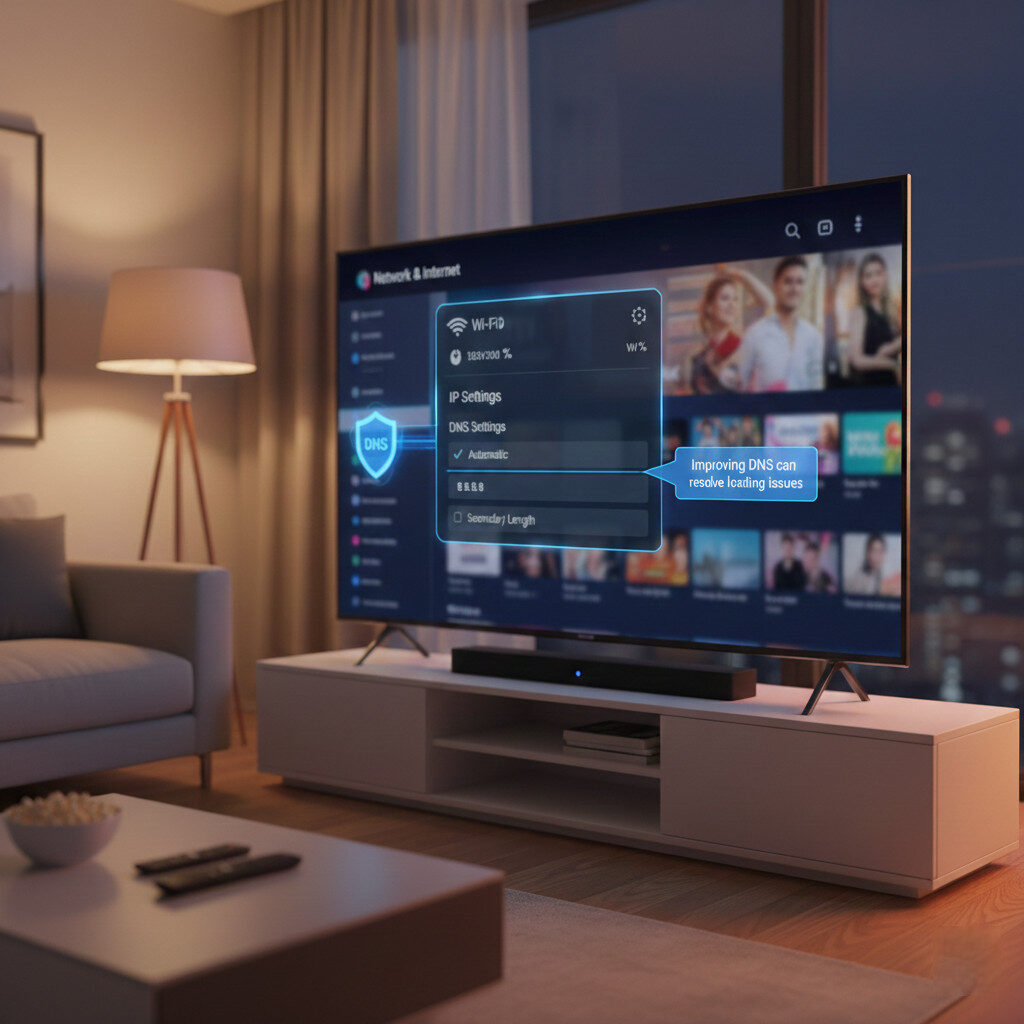
Some networks block IPTV servers through DNS filtering.
If IPTV is not loading on Smart TV only at home, DNS may be the issue.
✅ Fix:
Change DNS settings to:
- 8.8.8.8
- 8.8.4.4
Restart your IPTV app afterward.
🛠️ What to Do If IPTV App Gets Stuck on Loading Screen
If IPTV is not loading on Smart TV:
✔ Clear IPTV app cache
✔ Restart Smart TV
✔ Update IPTV player
✔ Check Wi-Fi connection
✔ Reload playlist
✔ Change DNS settings
Most IPTV apps start working again after these steps.
🎯 Final Thoughts
When IPTV is not loading on Smart TV, the problem is usually related to device memory, outdated apps, or network configuration — not your IPTV service.
By clearing cache, updating your IPTV player, and checking network settings, you can restore IPTV streaming quickly without needing technical expertise.
Fixing IPTV loading issues on Smart TVs often takes less than 5 minutes.