
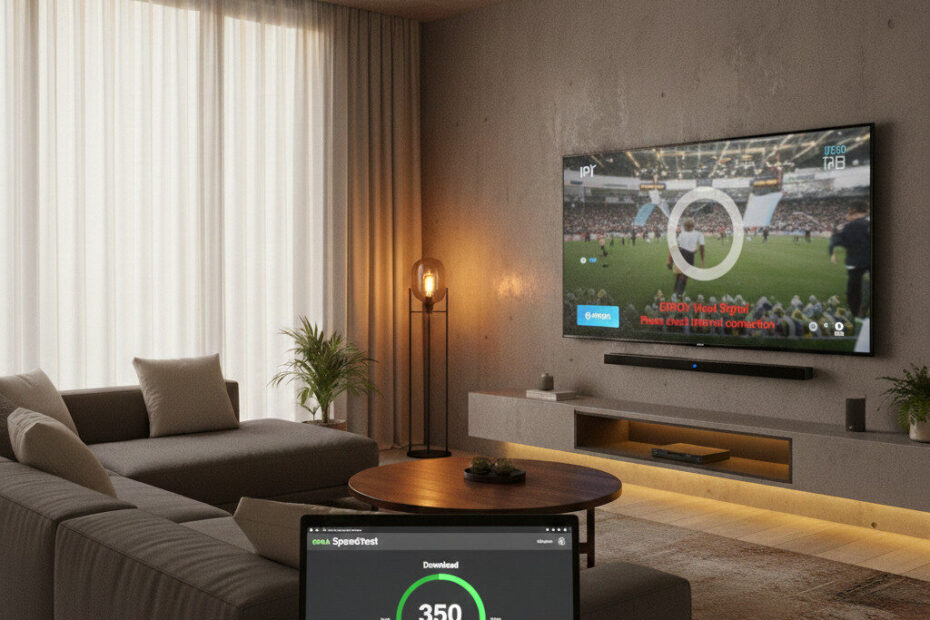
If your IPTV suddenly feels slow, buffers constantly, or only works properly at certain times of day — your internet provider may be the reason.
This week, IPTV users are reporting:
- Smooth streams during the day
- Heavy buffering at night
- IPTV working instantly when a VPN is turned on
These signs strongly suggest ISP throttling.
This guide explains:
- What IPTV throttling is
- How to recognize it
- What actually works to fix it
- What users are doing right now
🔍 What Is ISP Throttling (In Simple Terms)
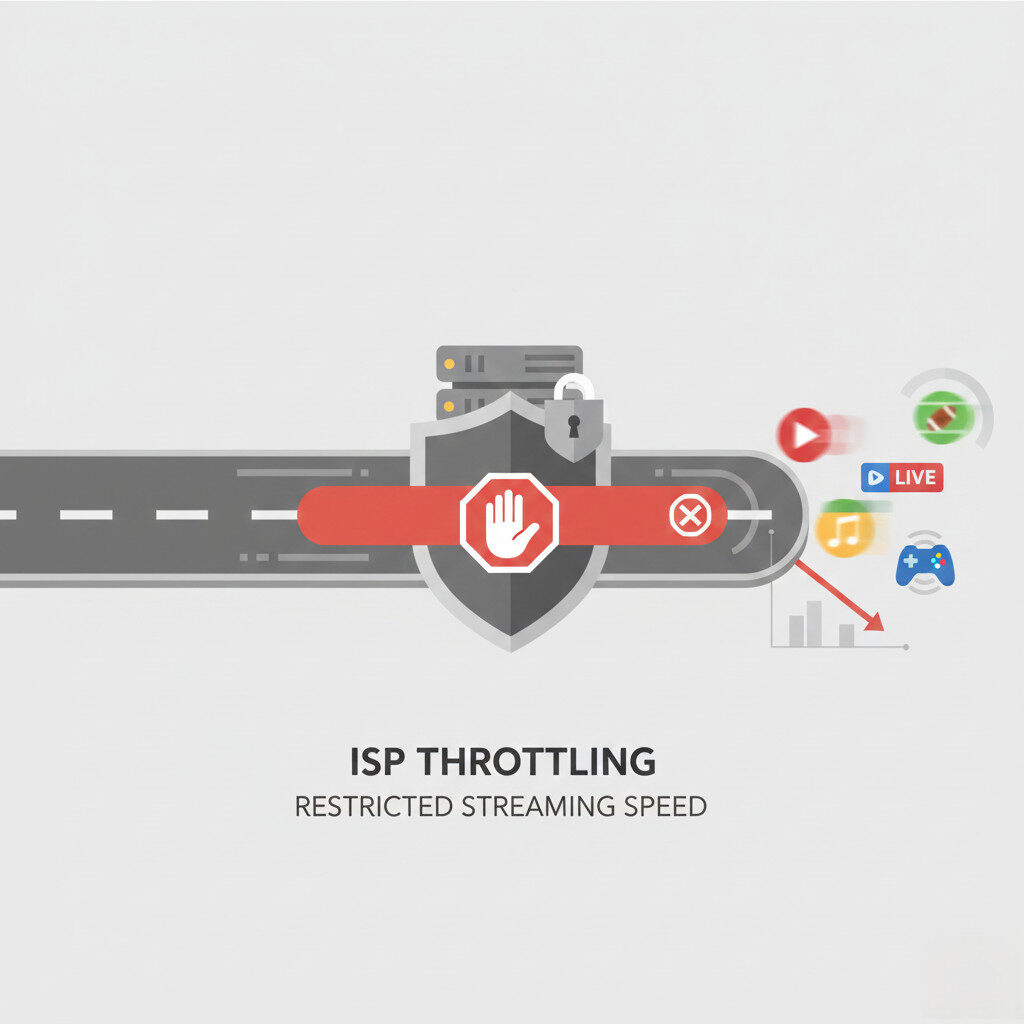
ISP throttling happens when your internet provider:
- Detects streaming traffic
- Prioritizes or slows certain types of data
- Reduces bandwidth during peak hours
IPTV traffic is especially vulnerable because it:
- Uses continuous live streams
- Generates high bandwidth usage
- Looks different from regular browsing
🚨 Signs Your IPTV Is Being Throttled
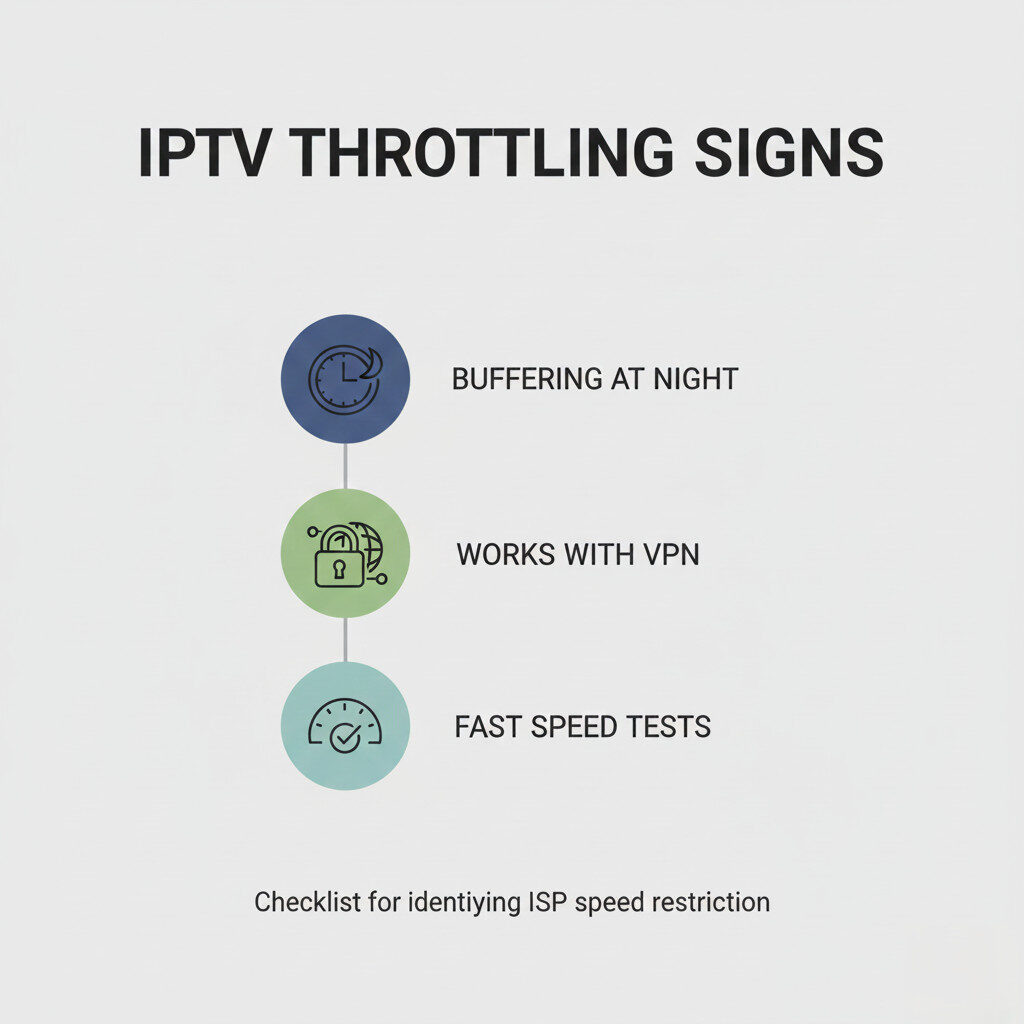
You may be dealing with throttling if:
- IPTV buffers mainly at night
- Speed tests show good results
- Other apps stream fine
- IPTV improves immediately with a VPN
These patterns are appearing more frequently this week.
🕒 Why Throttling Is Worse During Peak Hours
Most ISPs manage traffic between:
- 7 PM – 11 PM
During this window:
- Streaming demand spikes
- ISPs reduce bandwidth to certain traffic types
- IPTV quality drops first
That’s why many users report:
“It works fine during the day, but not at night.”
⚡ Quick Tests You Can Do Right Now
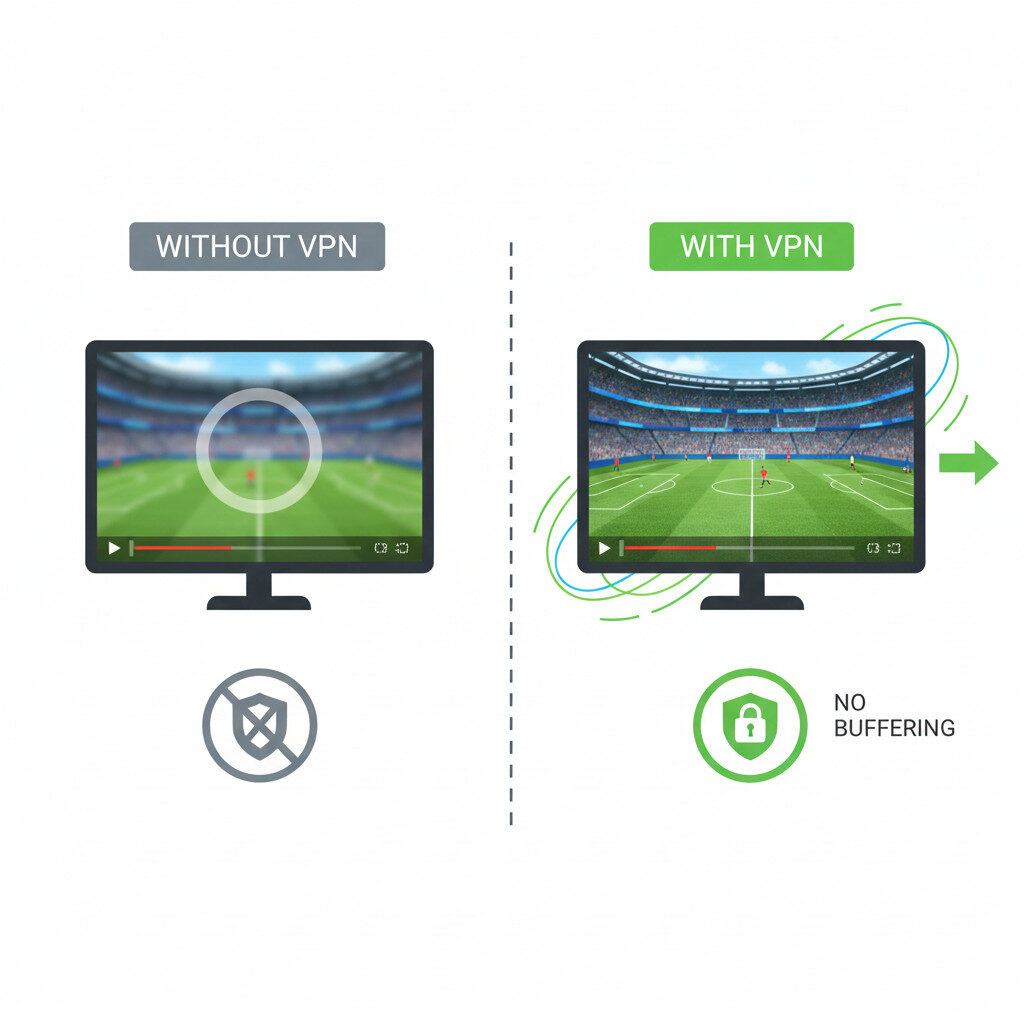
Before changing anything, test this:
✅ Test 1: Try IPTV With a VPN
If your IPTV works better immediately:
➡️ Throttling is very likely.
✅ Test 2: Switch Networks
Try:
- Mobile hotspot
- Different Wi-Fi network
If IPTV improves:
➡️ Your main ISP is the bottleneck.
✅ Test 3: Change Stream Format
Switch between:
- HLS
- MPEGTS
Some ISPs throttle one format more than the other.
🛠️ What Users Are Doing to Fix IPTV Throttling

🛡️ Using a VPN for IPTV
A VPN:
- Masks streaming traffic
- Prevents traffic shaping
- Improves consistency
Not all VPNs work well for IPTV — speed and stability matter.
👉 See our updated list here:
Best VPNs for IPTV Streaming
🔁 Switching IPTV Players
Better IPTV players:
- Handle unstable connections better
- Recover faster from drops
👉 Recommended here:
Best IPTV Players
🌐 Using Wired Connections
Ethernet connections:
- Reduce packet loss
- Improve live stream stability
- Help during peak congestion
🚫 When Throttling Is NOT the Issue
If:
- IPTV buffers all day
- Channels disappear
- App crashes often
➡️ The issue is likely your IPTV provider, not your ISP.
👉 Related guide:
Why IPTV Keeps Buffering
🧠 New Trend: VPN + Free IPTV Hybrid Setup
This week, more users are:
- Using free IPTV apps for daily viewing
- Using paid IPTV only when needed
- Running VPNs selectively
This setup reduces:
- Costs
- Downtime
- Frustration
⚠️ Important Reality Check
ISPs rarely admit throttling.
They often describe it as:
- “Network management”
- “Traffic optimization”
The result for IPTV users is the same: slower streams.

✅ Final Verdict
If your IPTV is suddenly slow but your internet looks fine:
- Throttling is very possible
- VPN testing is the fastest way to confirm
- Smart setups beat blind loyalty
Understanding how ISPs manage traffic gives you control back.