
If your IPTV suddenly shows a black screen, endless buffering, or “stream unavailable” errors, you’re not alone.
In 2026, one of the fastest-growing IPTV complaints is not about bad providers — it’s about connections being blocked, filtered, or throttled.
Many users report that:
- IPTV works on mobile data but not home Wi-Fi
- Channels load but don’t play
- Streams stop during peak hours
- Some apps suddenly can’t connect at all
Here’s what’s really happening — and what’s actually fixing it.
🚨 Why IPTV Is Being Blocked More Often in 2026
There are three major changes this year:
1️⃣ ISP Traffic Filtering
Many internet providers now use automated systems that:
- Detect IPTV streaming patterns
- Throttle long live streams
- Block known IPTV server ranges
This doesn’t fully cut internet access — it only breaks IPTV streams.
2️⃣ DNS & Routing Restrictions
Some networks silently:
- Redirect IPTV domains
- Fail playlist lookups
- Block EPG servers
Result:
✔ App opens
❌ Streams fail
❌ Channels show black screen
3️⃣ App-Level Restrictions
This year, several TV platforms increased store policies, leading to:
- IPTV apps losing background access
- Broken player components
- Limited network permissions
This especially affects Smart TVs and Firestick updates.
📺 Signs Your IPTV Is Being Blocked (Not Broken)
You’re likely dealing with blocking or throttling if:
- IPTV works on mobile hotspot but not Wi-Fi
- Some channels work, others never load
- Streams stop only at night
- VPN instantly fixes the problem
- Different apps behave the same way
If your provider were truly down, nothing would load anywhere.
✅ FIXES THAT ARE WORKING RIGHT NOW
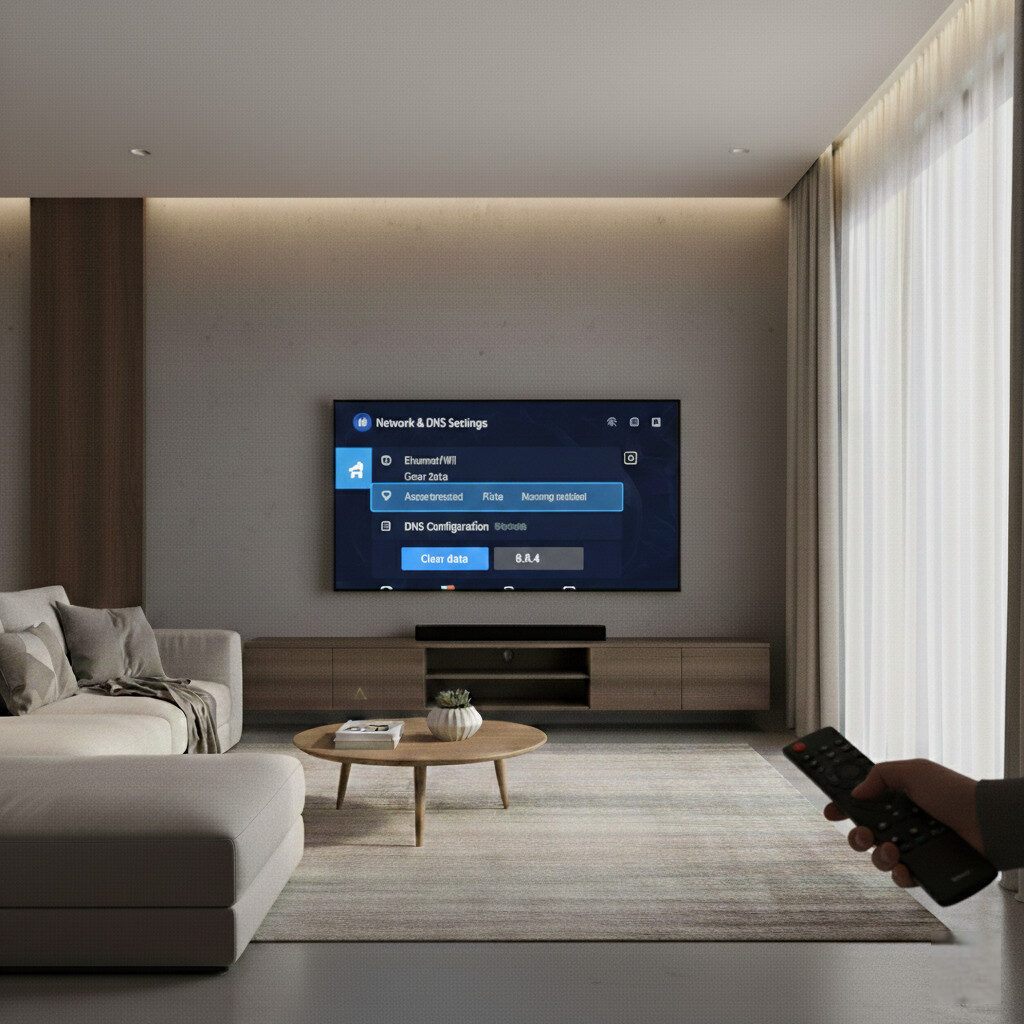
🌍 1. Change DNS (Fastest Test)
Before anything else, change DNS to:
- 1.1.1.1
- 8.8.8.8
- 9.9.9.9
Restart your device and router.
This alone fixes many invisible blocks.
🔐 2. Use a VPN (Most Reliable Fix in 2026)
A quality VPN:
- Bypasses ISP filtering
- Prevents throttling
- Fixes routing failures
- Stabilizes live streams
This is currently the #1 working solution reported by IPTV users this year.
🔄 3. Test on Another Network
Connect your device to:
- Mobile hotspot
- Friend’s Wi-Fi
- Workplace network
If IPTV suddenly works, your home network is the problem — not your IPTV service.
📲 4. Switch IPTV Player
Some apps are now more restricted than others.
Testing a second IPTV player helps identify:
- App-level blocking
- OS permission failures
- Decoder conflicts
If the same playlist works in another app, your original app is limited.
🧠 Why This Is Becoming So Common
Live IPTV traffic stands out because it is:
- Continuous
- High bandwidth
- Server-centralized
- Predictable
Modern ISP systems don’t need to “know IPTV” — they only need to detect the behavior.
That’s why blocking now looks like:
- Random buffering
- Black screens
- Partial outages
- Evening slowdowns
Not total internet failure.
⚠️ What Most Users Get Wrong
They:
- Buy new IPTV subscriptions
- Reset devices
- Factory reset TVs
- Cancel working services
When the real problem is:
👉 network filtering
👉 DNS routing
👉 ISP throttling
🏁 Final Verdict
In 2026, a huge percentage of IPTV “failures” are not service shutdowns — they are network-level restrictions.
If your IPTV shows black screens, fails only on home Wi-Fi, or magically works with a VPN, your streams are being filtered.
Fix the network, not the subscription.