
🎯 Introduction
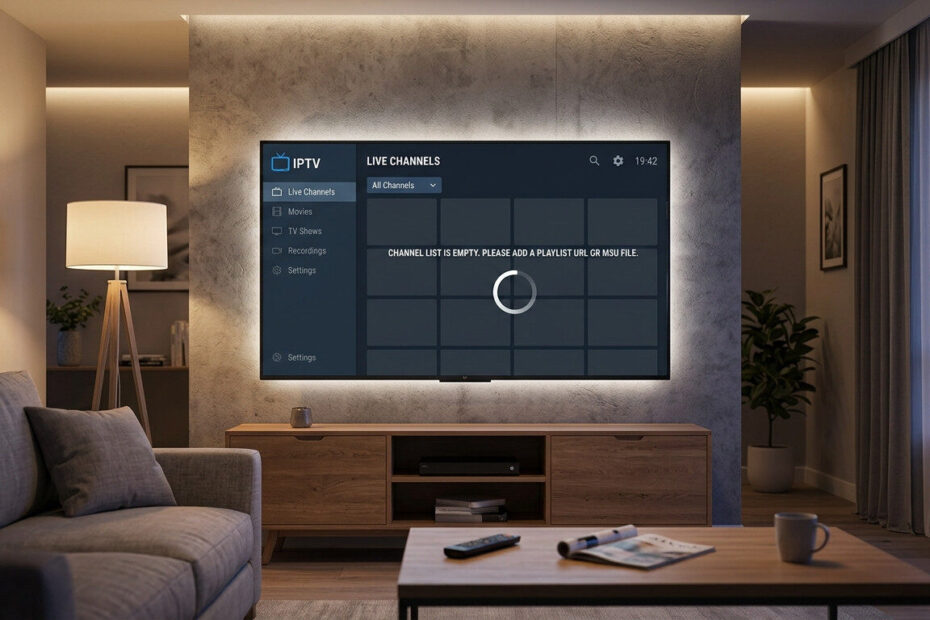
One of the most frustrating IPTV problems happens when the app opens normally — but the channels never load.
You may see:
- Infinite buffering
- Black screen
- Empty channel list
- Playback errors
- “Channel unavailable” messages
If your IPTV channels are not loading, the issue is usually related to playlists, internet connection, app settings, or IPTV server problems.
The good news?
Most IPTV channel loading issues can be fixed in just a few minutes.
❓ Why IPTV Channels Are Not Loading
There are several common causes behind this issue:
- Expired playlist
- Slow internet connection
- IPTV app cache problems
- DNS restrictions
- ISP blocking
- Outdated IPTV app
- IPTV server overload
Understanding the cause makes troubleshooting easier.
🌐 1. Restart Your Internet Connection
Temporary network issues often prevent IPTV channels from loading correctly.
✅ Fix:
- Restart your router
- Wait 60 seconds
- Reconnect your device
A fresh network connection can restore IPTV streams immediately.
🔄 2. Reload Your IPTV Playlist
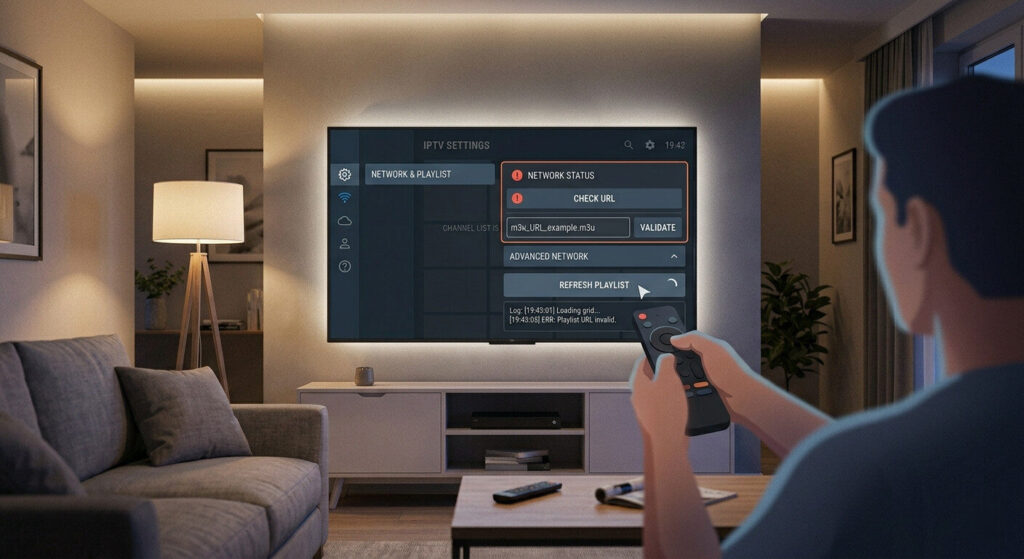
An outdated or broken playlist is one of the biggest causes of IPTV channel loading failures.
✅ Fix:
- Remove old playlist
- Re-add M3U link or Xtream Codes
- Refresh channels and EPG
If the playlist URL changed, channels may stop loading completely.
IPTV M3U Playlist Not Working
🧹 3. Clear IPTV App Cache
Corrupted cache data can block playlists and channels.
✅ Fix:
Go to:
Settings → Apps → IPTV App → Storage → Clear Cache
Restart the IPTV app afterward.
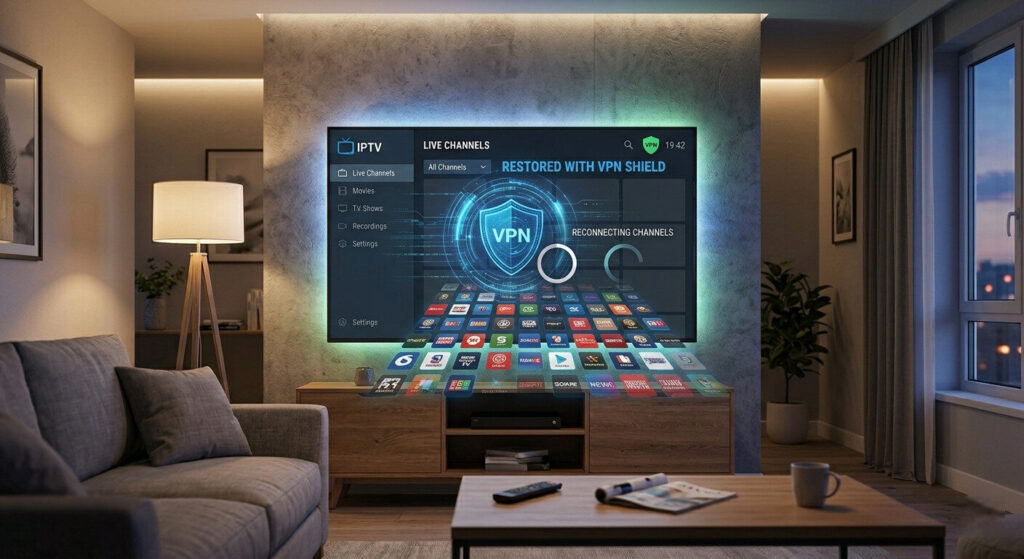
🔐 4. Use a VPN
Some internet providers block IPTV traffic or throttle streaming connections.
✅ Fix:
- Install a VPN
- Connect to a nearby server
- Restart IPTV app
This can instantly restore channels that refuse to load.
⚙️ 5. Update Your IPTV App
Outdated IPTV apps may struggle with playlist compatibility.
✅ Fix:
- Install latest app update
- Restart your device
- Reload playlist
Updates often fix playback and loading bugs.
📡 6. Change DNS Settings
DNS restrictions may prevent IPTV servers from connecting.
✅ Recommended DNS:
- 8.8.8.8
- 8.8.4.4
Restart your IPTV app after changing DNS settings.
📲 7. Try Another IPTV Player
Sometimes the IPTV app itself is the problem.
✅ Recommended IPTV Players:
- TiviMate
- IPTV Smarters
- Perfect Player
Testing another player can quickly identify app-related issues.
🚨 8. Check IPTV Provider Server Status
If nothing works, the provider servers may be temporarily offline.
✅ Fix:
- Wait a few minutes
- Contact provider support
- Test channels later
Server overload is common during peak streaming hours.
🛠️ Quick IPTV Troubleshooting Checklist
If IPTV channels are not loading:
✔ Restart internet connection
✔ Reload playlist
✔ Clear cache
✔ Enable VPN
✔ Update IPTV app
✔ Change DNS
✔ Test another IPTV player
✔ Check provider status
🎯 Final Thoughts
When IPTV channels are not loading, the problem is usually caused by playlists, network restrictions, or temporary app issues.
Most IPTV channel problems can be fixed quickly without changing devices or subscriptions.
Following these troubleshooting steps can restore your IPTV channels and improve streaming stability.